
10 Hidden Gem Tools Every Freelancer Should Know About, Organized by Cost
Most freelancers rely on the same handful of well-known platforms and apps, but the smartest professionals are using tools that fly under the radar. These lesser-known options often deliver better value, fewer distractions, and features that big-name competitors overlook. This list organizes these hidden gems by price category, so whether you’re bootstrapping or ready to invest, you’ll find practical tools that can improve your freelancing workflow without the hype.
- Legiit (Free to Premium)
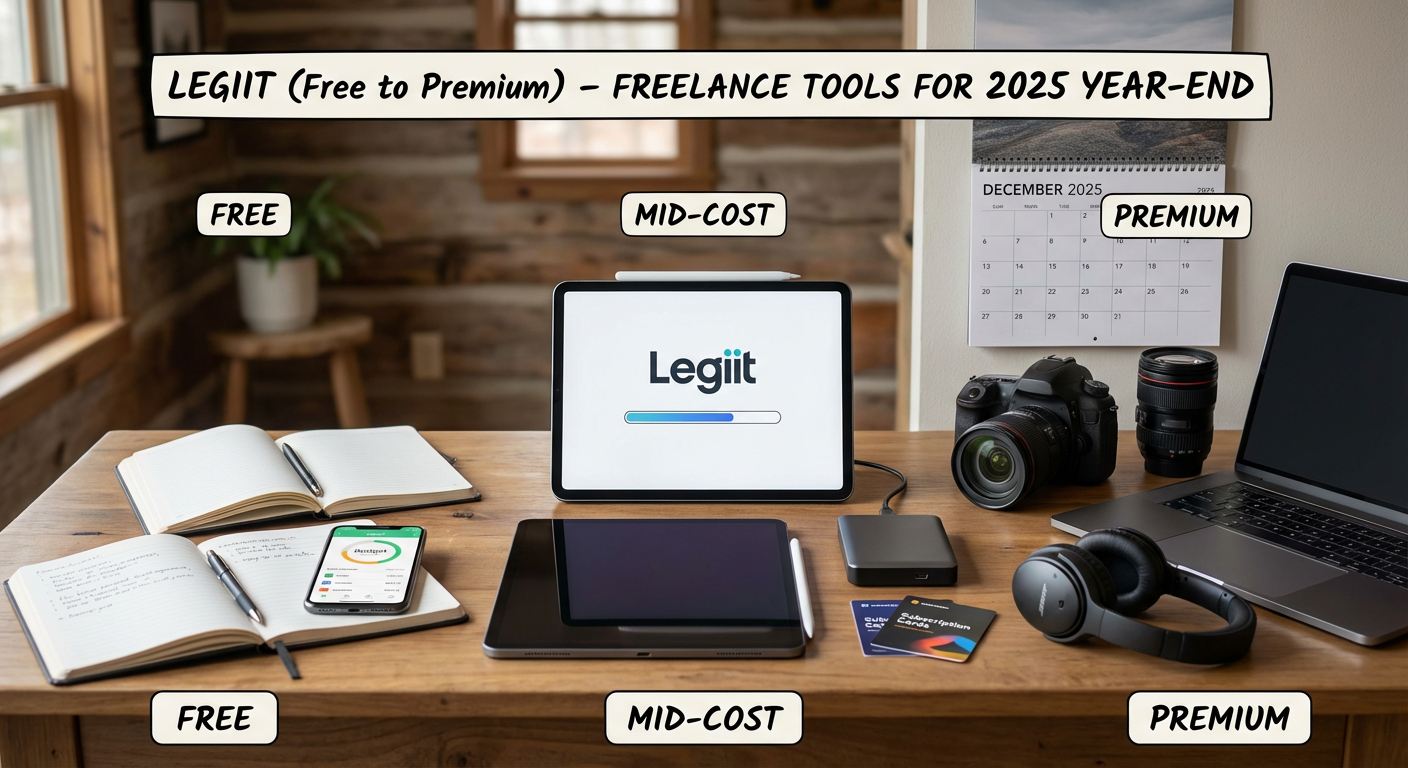
While most freelancers flock to the obvious marketplaces, Legiit offers a refreshingly different approach to finding clients and services. This platform specializes in digital marketing and business services, creating a focused community where quality matters more than racing to the bottom on price. You can use it as a freelancer to sell your services or as a buyer to find skilled help for tasks you need to outsource.
The free tier lets you create listings and start connecting with clients immediately. Premium tiers remove platform fees and add promotional features that help your services stand out. What makes Legiit special is its emphasis on building relationships rather than churning through one-off gigs. The community aspect means you’re more likely to find repeat clients who value expertise over bargain-basement pricing.
- Clockify (Free)
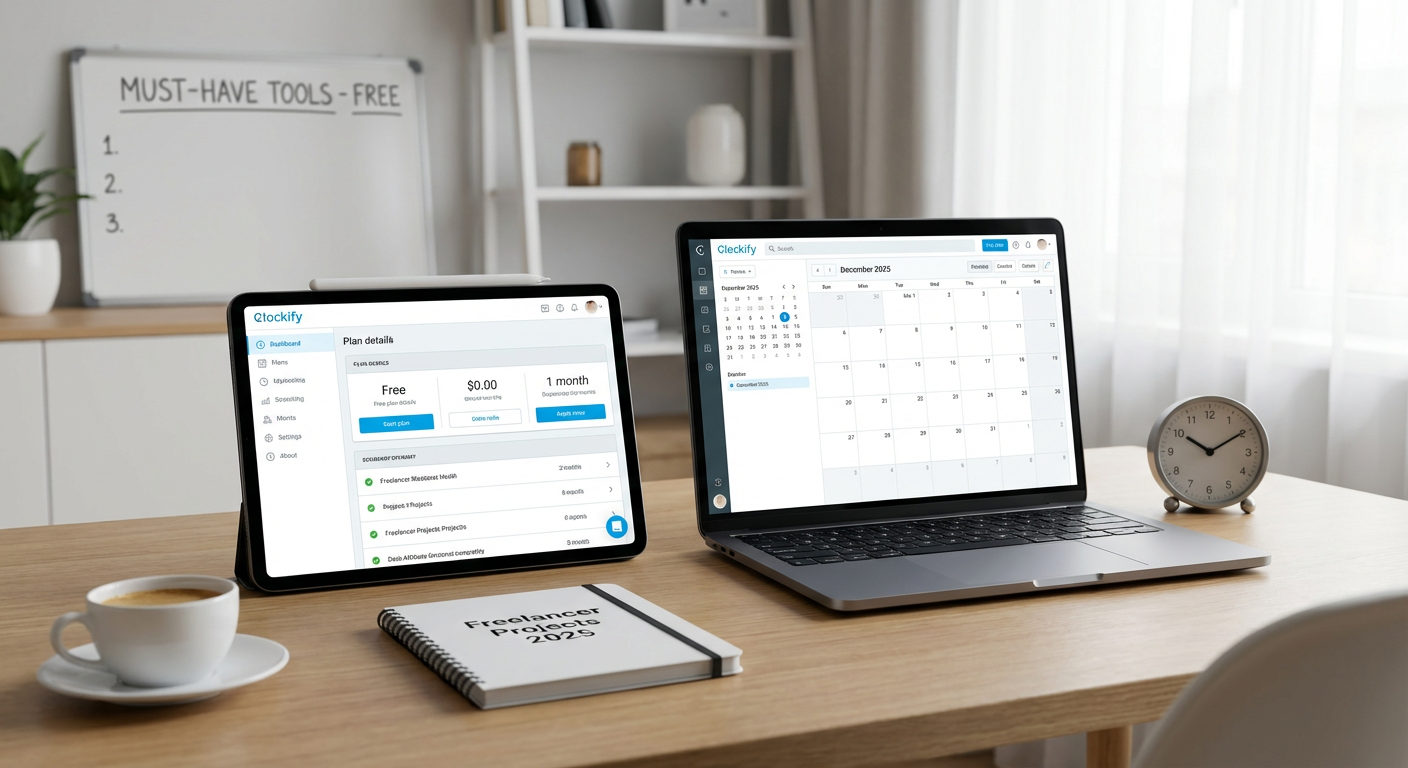
Time tracking tools often cost a monthly fee per user, but Clockify gives you unlimited tracking completely free. This tool works across devices and lets you organize time by project, client, and task without paying a cent. The interface is clean and stays out of your way, which matters when you’re in the middle of focused work.
Many freelancers skip time tracking because they assume it’s too expensive or complicated. Clockify proves that wrong. You can generate reports for client invoices, analyze where your hours actually go, and even use the Pomodoro timer feature to manage your focus sessions. The free version includes everything most solo freelancers need, and even the paid tiers are surprisingly affordable if you scale up.
- Obsidian (Free for Personal Use)
Note-taking apps get plenty of attention, but Obsidian remains underrated despite being one of the most powerful options available. This markdown-based tool stores all your notes locally as plain text files, which means you own your data and never have to worry about a company shutting down and taking your work with it. The linking system lets you connect ideas across notes, creating a personal knowledge base that grows more valuable over time.
Freelancers juggle client briefs, project notes, research, and business planning. Obsidian handles all of it without subscription fees or cloud dependency. The learning curve is slightly steeper than simpler apps, but the payoff is huge once you understand how to build your own system. Plugins extend functionality in countless directions, and a thriving community shares templates and workflows specific to freelancing.
- Pocketbase (Free, Self-Hosted)
Most freelancers who need a simple database or backend for client projects immediately think of expensive services or complicated setups. Pocketbase is an open-source alternative that packages a database, authentication, file storage, and admin interface into a single executable file. You can run it on cheap hosting or even locally during development.
This tool shines for freelancers who build websites or apps for clients but don’t want ongoing subscription costs eating into project budgets. Setup takes minutes instead of hours, and the built-in admin panel means you can hand off simple content management to clients without building a custom interface. The fact that it’s free and self-hosted gives you complete control and eliminates monthly fees that would otherwise add up across multiple client projects.
- Fathom Analytics (Budget Tier)
Website analytics typically means dealing with Google Analytics and its increasingly complex interface, privacy concerns, and cookie consent requirements. Fathom offers a simpler path with privacy-first tracking that doesn’t require cookie banners in most jurisdictions. The interface shows you what matters in seconds rather than making you dig through endless menus.
Freelancers who manage client websites or track their own portfolio performance will appreciate how Fathom respects visitor privacy while still providing useful data. Pricing starts at $14 monthly for up to 100,000 page views, which covers most small business sites easily. The EU-isolated hosting option and GDPR compliance features save you from legal headaches. It’s a professional solution that doesn’t feel bloated or overwhelming.
- Plausible Analytics (Budget Tier)
Similar to Fathom but with a slightly different approach, Plausible is another privacy-focused analytics tool that deserves more attention. This open-source platform gives you clean, simple metrics without tracking individual users across the web. The script is tiny, which means it won’t slow down your site, and the dashboard loads almost instantly.
What sets Plausible apart is its commitment to transparency. The company publishes its revenue numbers and runs on open-source code that anyone can audit. For freelancers concerned about data ethics or working with clients in privacy-conscious industries, this matters. Pricing starts around $9 monthly for smaller sites, and you can self-host the open-source version if you prefer complete control. The learning curve is practically flat, making it easy to onboard clients who need to check their stats occasionally.
- Missive (Mid-Tier)
Email clients rarely get people excited, but Missive solves real problems for freelancers managing multiple inboxes and collaborating with clients or contractors. This tool combines email, team chat, and task management in one interface. You can assign emails to team members, leave internal comments on threads, and create rules that organize incoming messages automatically.
Most freelancers either suffer with cluttered inboxes or cobble together multiple tools that don’t talk to each other. Missive costs around $14 per user monthly, positioning it between free options and enterprise solutions. The shared inbox feature is particularly useful if you hire a virtual assistant or work with a partner. You both see the same conversations and can coordinate responses without forwarding emails back and forth. Templates and canned responses speed up common client communications, and the mobile app keeps you connected without being overwhelming.
- Basecamp Personal (Budget Tier)
Project management tools often charge per user, which makes them expensive when you’re collaborating with clients or small teams. Basecamp Personal gives you the full platform free for personal projects, freelancers, students, and teachers. This isn’t a stripped-down trial but the actual product with reasonable limits that most solo freelancers won’t hit.
You can manage up to three projects and invite up to 20 clients or collaborators at no cost. That covers most freelance scenarios where you’re handling a few active clients simultaneously. The tool includes message boards, to-do lists, file storage, scheduling, and real-time chat. Basecamp’s opinionated design means fewer options to configure but also less time wasted on setup. The interface feels calm compared to competitors that bombard you with notifications and gamification. If you outgrow the free tier, the paid version has straightforward flat-rate pricing instead of the confusing per-user calculations most alternatives use.
- Actual Budget (Budget Tier)
Freelancers need solid financial tracking, but most budgeting apps either cost too much or sell your data to advertisers. Actual Budget is an open-source tool that costs $5 monthly or can be self-hosted for free if you’re comfortable with basic technical setup. It uses a zero-based budgeting approach where every dollar gets assigned a job, which helps with the irregular income that defines freelance work.
The app syncs across devices and supports bank imports in many regions. What makes it special is the local-first architecture that keeps your financial data on your devices rather than sitting on someone else’s servers. The reconciliation features help you catch errors or fraudulent charges quickly. Reports show spending patterns over time, making tax season less painful. For freelancers who struggle with inconsistent income and need a clear picture of their finances, Actual Budget provides structure without requiring a finance degree to understand.
- Fibery (Mid-Tier)
Most freelancers have heard of Notion or Airtable, but Fibery remains surprisingly under the radar despite offering powerful features for organizing complex projects. This tool combines databases, documents, and automation in a flexible system that adapts to how you actually work. You can connect different types of information, create custom views, and build workflows that match your process instead of forcing yourself into rigid templates.
The pricing starts around $10 per user monthly, positioning it competitively against better-known alternatives. What makes Fibery worth considering is its focus on connecting related information. Client feedback can link to project tasks, which connect to time logs and invoices. Everything relates to everything else in ways that reflect real work relationships. The learning curve requires some investment, but freelancers managing multiple clients with interconnected projects will find it pays off. The built-in automation can handle repetitive tasks without requiring coding skills or third-party integration services.
The tools that get the most attention aren’t always the ones that serve freelancers best. These hidden gems offer serious value without the marketing budgets or brand recognition of their mainstream competitors. Whether you’re working with a tight budget or ready to invest in mid-tier solutions, each of these options solves real problems that freelancers face daily. Try a few that match your current needs and price range. You might find that the best tool for your business is one you’d never heard of before reading this list.