10 Practical Tools for Freelancers: Hands-On Setup Tips by Application Category
Running a freelance business means juggling multiple roles at once. You’re the marketer, the accountant, the project manager, and the service provider all rolled into one. The right tools can make this balancing act manageable, but only if you know how to put them to work properly. This list walks you through ten essential tools organized by their core application, with practical advice on setting them up and using them effectively from day one. Whether you’re just starting out or looking to streamline your existing workflow, these hands-on tips will help you implement each tool quickly and see real results.
- Legiit for Finding Freelance Work and Building Client Relationships
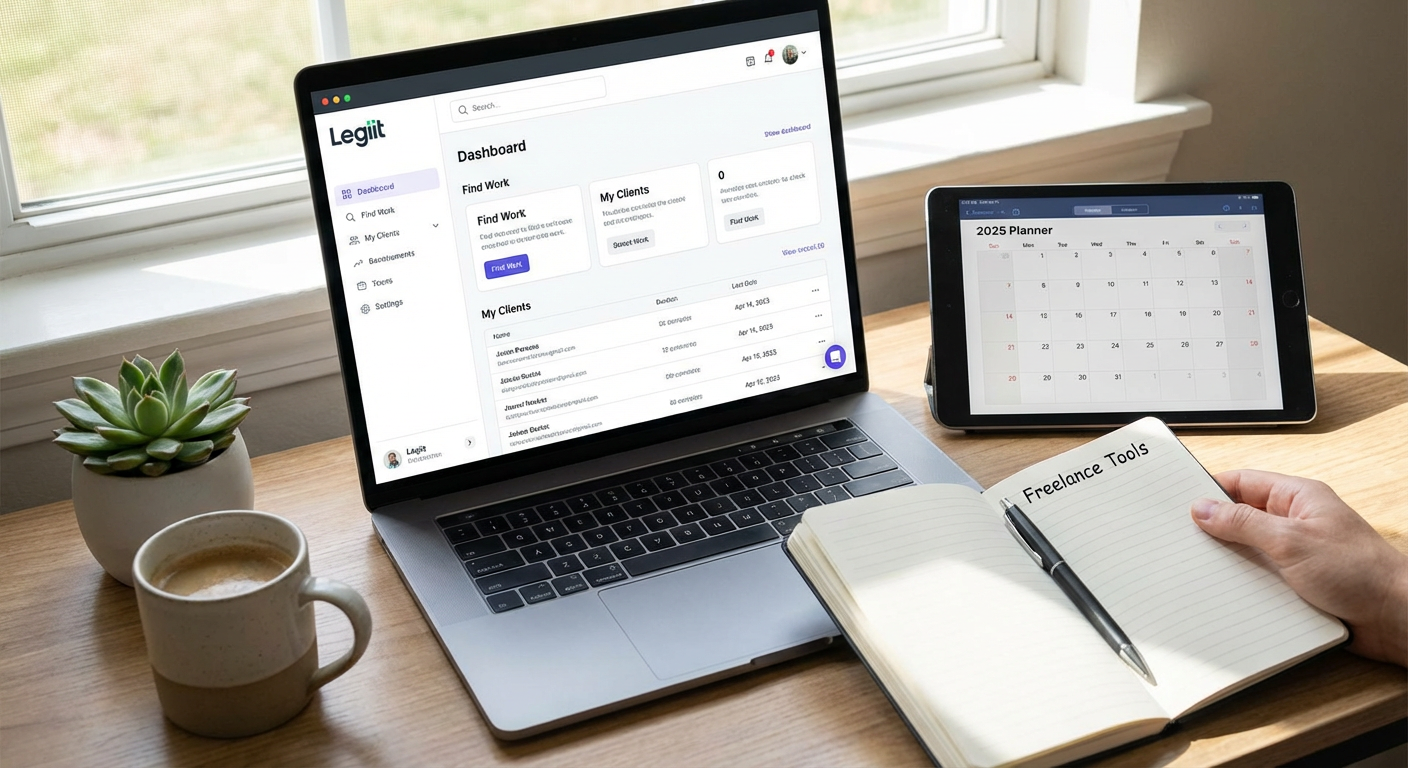
Start by creating a complete profile that showcases your actual work samples, not just descriptions of what you can do. Upload three to five strong portfolio pieces that represent the services you want to be hired for most often. Set your pricing clearly and competitively by researching what others in your niche charge, then position yourself accordingly based on your experience level.
The key to getting traction on Legiit is responding to inquiries within a few hours. Set up email notifications so you never miss a message from a potential client. When you do respond, reference specific details from their project description to show you actually read their request. This small effort separates you from freelancers who send generic replies.
Once you land a project, deliver it a day or two before the deadline when possible. This builds trust and often leads to repeat work. Use the platform’s messaging system to keep clients updated on progress, especially for longer projects. Regular communication prevents misunderstandings and shows professionalism.
- Wave for Simple Accounting That You’ll Actually Use

Most freelancers avoid accounting software because it feels complicated. Wave solves this by offering free invoicing and expense tracking that takes minutes to set up. Create your account, add your business name and logo, then immediately create an invoice template. Save this template so you can generate new invoices in under a minute.
Connect your bank account to automatically import transactions. Spend ten minutes each week categorizing expenses as either business or personal. This habit takes less time than organizing receipts manually and gives you real-time insight into your profit margins.
Set up recurring invoices for retainer clients so billing happens automatically. Enable online payment options like credit card and bank transfer to get paid faster. Clients who can pay with one click typically send payment within days instead of weeks.
- Notion for Project Management You Can Customize
Download one of Notion’s free freelancer templates instead of building your workspace from scratch. The client tracker template works well for most people and includes sections for active projects, invoicing status, and contact information. Customize it by adding columns for payment terms and project deadlines.
Create a simple page for each client that includes their communication preferences, project history, and any specific requirements they’ve mentioned. Reference this page before every call or email to refresh your memory. This makes you look attentive and professional, even when you’re managing dozens of clients.
Use the database feature to track your task list across all projects. Filter by due date each morning to see what needs attention that day. This prevents important tasks from slipping through the cracks when you’re busy.
- Calendly for Scheduling Without the Email Tennis
Set up your availability once, then share your Calendly link instead of asking clients when they’re free. This eliminates the back-and-forth email chains that waste time. Configure your schedule to include buffer time between meetings so you’re not rushing from one call to another.
Create different meeting types for discovery calls, client check-ins, and project reviews. Set appropriate durations for each. Discovery calls might need 30 minutes, while quick check-ins only need 15. This prevents meetings from dragging on longer than necessary.
Enable the timezone detection feature so international clients automatically see your availability in their local time. Add a few qualifying questions to your booking form to gather context before the meeting. Ask what they want to discuss or what challenges they’re facing. This lets you prepare and makes the actual meeting more productive.
- Grammarly for Error-Free Client Communication
Install the browser extension so Grammarly checks your writing everywhere, from emails to project proposals to social media posts. The free version catches most spelling and grammar mistakes, which is often enough for professional communication.
Pay attention to the tone detector feature when writing to clients. If Grammarly flags your message as sounding harsh or uncertain, rewrite it. Clients form opinions about your professionalism based on how you communicate, and a friendly but confident tone wins more work than a stiff, formal one.
Use Grammarly to proofread your website copy, service descriptions, and portfolio pieces. Even small typos can make potential clients question your attention to detail. Running everything through a quick grammar check takes seconds and prevents embarrassing mistakes.
- Canva for Quick Visual Content Creation
Create a brand kit in Canva with your logo, color palette, and preferred fonts. This takes about five minutes but ensures all your visual content looks consistent. Use this kit when making social media posts, client presentations, or invoice headers.
Explore the template library for whatever you need to create. Instead of designing from scratch, pick a template close to your vision and customize it. This approach produces professional results in a fraction of the time. You can create a compelling proposal cover page, social media graphic, or presentation slide in under ten minutes.
Save your most-used designs as templates within your account. If you post weekly tips on social media, create one design template and simply swap out the text each week. This consistency builds brand recognition and saves you from reinventing the wheel constantly.
- Loom for Clear Video Communication
Record a quick Loom video instead of typing long explanations when something is complex or visual. Clients understand concepts faster when they can see your screen and hear your voice. This works especially well for project updates, feedback on their materials, or explaining technical processes.
Keep videos under three minutes when possible. Get straight to the point, show what needs to be shown, and wrap up. Short videos respect your client’s time and are more likely to be watched completely.
Use Loom for client onboarding. Record a five-minute video explaining how you work together, what they can expect, and how to reach you. Send this to every new client. It answers common questions upfront and sets clear expectations, which prevents confusion later.
- LastPass for Secure Password Management
Stop reusing the same password across multiple sites. Install LastPass and let it generate strong, random passwords for every account you create. You only need to remember one master password, and LastPass handles the rest.
Use the secure notes feature to store client access credentials when they share login information for their accounts. This keeps sensitive data encrypted and organized in one place instead of scattered across email threads or text files.
Enable two-factor authentication on LastPass itself for an extra security layer. As a freelancer, you often have access to client accounts and sensitive business information. A security breach could damage your reputation and cost you clients. Taking password security seriously protects both you and your clients.
- Toggl Track for Understanding Where Your Time Goes
Track your time for two weeks without changing your behavior. Just observe where your hours actually go. Most freelancers discover they spend far more time on administrative tasks and far less on billable work than they realized. This data helps you make informed decisions about what to automate or delegate.
Create a project for each client and start the timer whenever you work on their tasks. Review your weekly report to see which clients are profitable and which are taking more time than they’re worth. This information is valuable when deciding whether to raise rates or phase out certain types of work.
Use your time data to create more accurate project estimates. If similar projects consistently take you eight hours, stop quoting five hours just to win the work. Underestimating hurts your income and creates stress. Accurate estimates based on real data lead to better pricing and happier clients who get realistic timelines.
- Slack for Professional Client Communication
Create a free Slack workspace and invite clients who prefer real-time communication over email. Set up separate channels for each client or project to keep conversations organized. This prevents the confusion that happens when multiple project discussions happen in one long email thread.
Adjust your notification settings so Slack doesn’t interrupt you constantly. Set specific hours when you check messages, and let clients know your response time expectations. Just because Slack feels instant doesn’t mean you need to be available every minute.
Use the remind me later feature when clients send requests at inconvenient times. This lets you acknowledge their message without dropping what you’re doing. Set the reminder for when you have time to properly address their request. Managing client expectations around communication prevents burnout while maintaining good relationships.
The tools in this list work because they solve real problems freelancers face every day. Setting them up properly from the start saves you from frustration later and helps you work more efficiently right away. Start with the ones that address your biggest pain points, whether that’s finding clients, managing money, or staying organized. Implement one or two tools at a time rather than trying to adopt everything at once. Give yourself a week to build each tool into your routine before adding another. This measured approach leads to lasting changes in how you run your business. The freelancers who succeed long-term are the ones who build sustainable systems, and these tools provide the foundation for exactly that.