Essential Tools Every Bootstrapped Startup Needs to Survive and Thrive
Running a startup on a tight budget means every dollar counts. You need tools that actually solve problems without draining your bank account. This list focuses on the essentials that keep your business running smoothly while you focus on growth. Whether you’re a solo founder or a small team, these tools will help you work smarter and stretch your resources further.
- Legiit

Finding reliable freelancers at reasonable rates can make or break a bootstrapped startup. Legiit connects you with vetted service providers who specialize in everything from content writing and graphic design to SEO and software development. The platform focuses on affordable, high-quality services specifically designed for businesses watching their budgets.
What sets Legiit apart is its transparent pricing and review system. You can see exactly what you’re getting before you commit, which eliminates the guesswork and wasted money that often comes with hiring help. For startups that need professional work done without the overhead of full-time employees, Legiit provides access to skilled freelancers who understand the constraints and urgency of early-stage companies.
- Wave Accounting
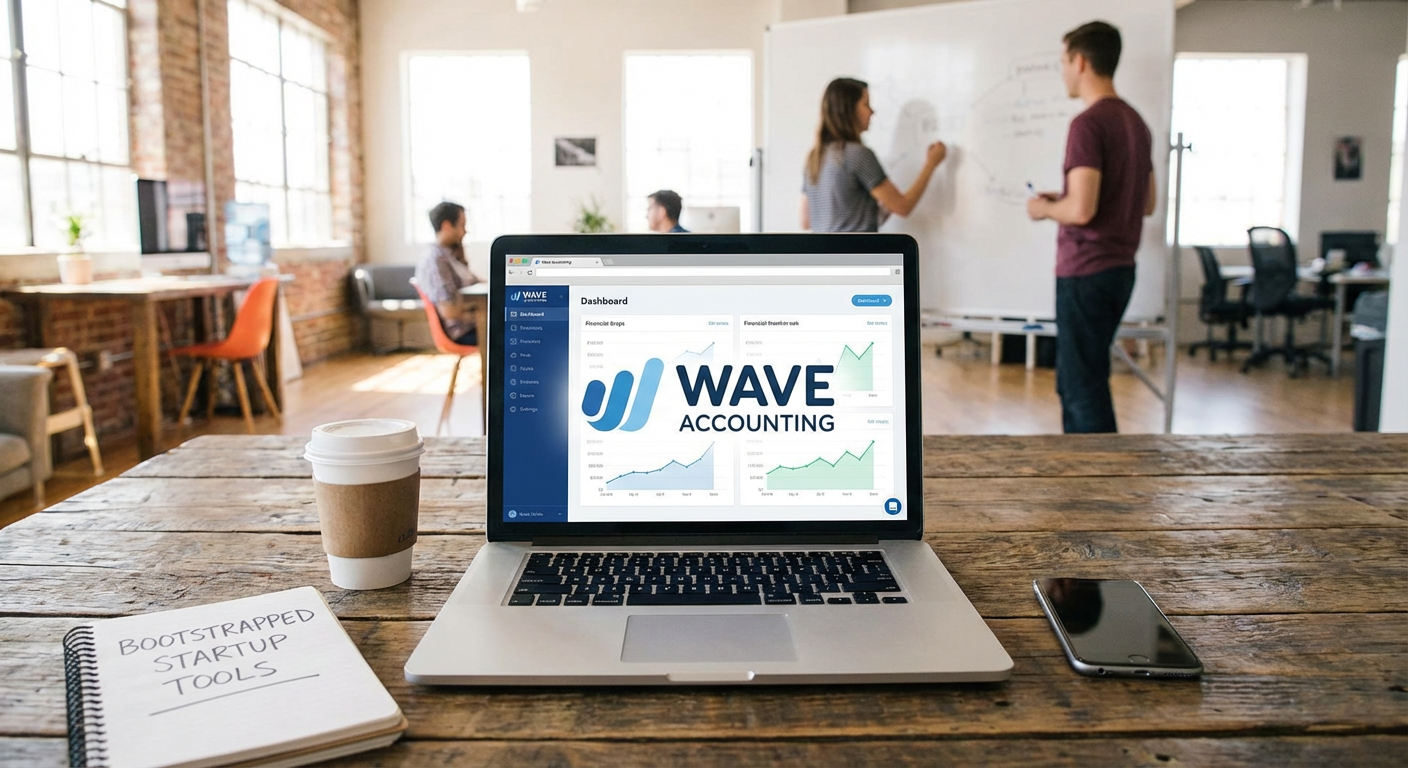
Proper bookkeeping from day one saves you headaches later. Wave offers completely free accounting software that handles invoicing, expense tracking, and basic financial reports. The interface is clean and simple enough for non-accountants to use without getting lost in complicated menus.
You can connect your bank accounts directly to Wave, which automatically imports transactions and categorizes them. This automation alone saves hours each month. The paid features like payroll and payment processing are optional, so you only pay for what you actually need. For a bootstrapped startup that can’t justify spending hundreds per month on QuickBooks or Xero, Wave delivers the core functionality without the price tag.
- Notion
Organization becomes critical as your startup grows from one person to a small team. Notion combines notes, databases, project management, and wikis into a single workspace. You can create custom workflows that match how your team actually works instead of forcing yourself into rigid templates.
The free plan is generous enough for most early-stage startups, offering unlimited pages and blocks for individuals and small teams. You can build everything from product roadmaps to customer databases to meeting notes in one place. This consolidation means fewer subscriptions and less time switching between different apps. Notion’s flexibility also means it grows with you, adapting to new needs without requiring a complete system overhaul.
- Mailchimp
Email remains one of the highest ROI marketing channels available. Mailchimp’s free tier lets you manage up to 500 contacts and send 1,000 emails per month, which covers most early-stage needs. The drag-and-drop email builder makes it easy to create professional-looking campaigns even if you have zero design experience.
Beyond basic email sending, Mailchimp includes signup forms, basic automation, and analytics that show you what’s working. You can segment your audience and send targeted messages without paying for expensive enterprise features. As your list grows, the paid plans scale gradually, so you’re never hit with sudden cost jumps. For bootstrapped startups building their first audience, Mailchimp provides all the essential email tools without requiring a marketing degree to use them.
- Slack
Communication chaos kills productivity faster than almost anything else. Slack organizes conversations into channels, making it easy to separate projects, departments, or topics. The searchable history means important information doesn’t disappear into forgotten email threads.
The free version includes 90 days of message history and ten app integrations, which covers basic team communication needs. You can create channels for different projects, use direct messages for quick questions, and share files all in one place. Slack also works well for remote teams, keeping everyone connected regardless of location. While paid plans offer more storage and integrations, the free tier handles day-to-day communication for small teams without any trouble.
- Google Workspace
Reliable email and document collaboration are non-negotiable for any business. Google Workspace provides professional email addresses using your domain name, which builds credibility with customers and partners. The shared drives, docs, sheets, and calendar tools keep your team working together smoothly.
Real-time collaboration means multiple people can work on the same document simultaneously without version control nightmares. Everything saves automatically to the cloud, so you never lose work to a crashed laptop. The pricing is straightforward at a flat monthly rate per user, with plenty of storage for documents and emails. For bootstrapped startups that need reliable, professional tools without complex setup, Google Workspace delivers exactly what you need with minimal fuss.
- Trello
Visual project management helps teams stay aligned without endless status meetings. Trello uses boards, lists, and cards to organize tasks in a way that makes sense at a glance. You can see what everyone is working on, what’s coming up next, and what’s already done.
The drag-and-drop interface requires zero training, which means your team can start using it immediately. You can add due dates, attachments, checklists, and comments to cards, keeping all project information in one spot. The free version includes unlimited cards and up to ten boards, which is plenty for small teams managing multiple projects. Trello also offers power-ups that integrate with other tools, though the basic functionality alone handles most project management needs for early-stage startups.
- Canva
Professional-looking graphics shouldn’t require a designer on retainer. Canva provides thousands of templates for social media posts, presentations, flyers, and more. The drag-and-drop editor lets anyone create decent graphics in minutes, not hours.
The free version includes enough templates, photos, and design elements to cover most startup needs. You can maintain consistent branding by saving your colors and fonts, then reusing them across different designs. Canva also handles basic video editing and animation, extending its usefulness beyond static images. For bootstrapped startups that need to maintain a professional appearance across marketing materials without hiring a designer, Canva makes it possible to produce quality visuals on your own.
The right tools make limited resources go further. Each tool on this list solves real problems that bootstrapped startups face every day, from managing finances to communicating with customers. Start with the essentials that match your immediate needs, then add more tools as your startup grows and your requirements change. The money you save on tools can go directly into building your product and acquiring customers, which is where it matters most.