
Quick Wins: 20 Tasks to Automate Today and Reclaim 10+ Hours This Week
Time is the one resource you can never get back. If you’re spending hours each week on repetitive tasks that a computer could handle in seconds, you’re leaving precious time on the table. This list is for anyone who wants fast results without complicated setup. These automation ideas are practical, proven, and designed to give you more hours for the work that actually matters. Let’s get straight to it.
- Outsource Your Recurring Business Tasks Through Legiit

Sometimes the fastest automation is handing tasks to someone who can do them better and faster than you. Legiit connects you with freelancers who specialize in everything from content writing to graphic design to social media management. Instead of spending hours figuring out how to automate a complex process, you can hire someone who already has it down to a science. This is especially useful for tasks that require a human touch but still eat up your schedule. Set up a retainer or recurring service, and you’ll free up hours every single week without lifting a finger.
- Auto-Reply to Common Emails
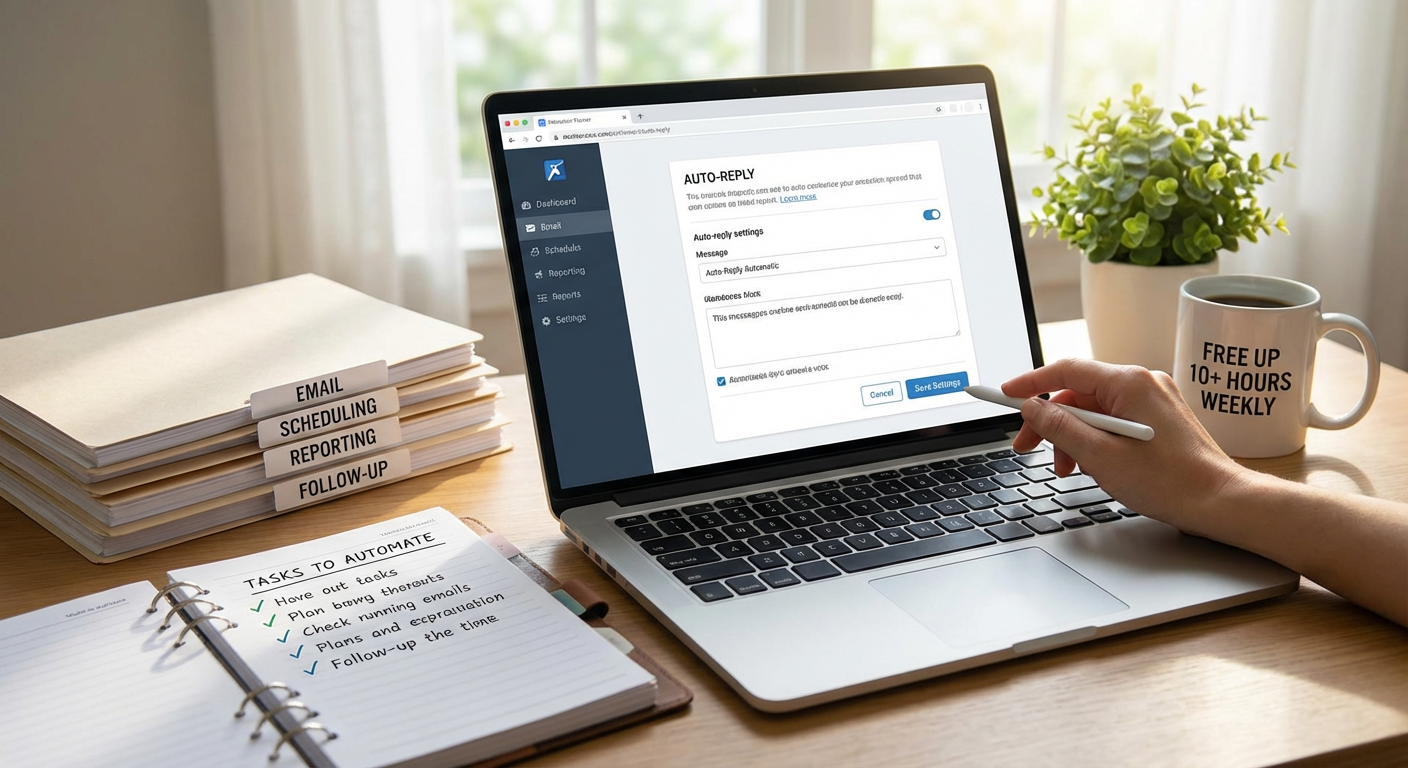
If you get the same questions over and over, stop typing the same answers. Most email platforms let you create templates or canned responses that you can insert with a click. Gmail calls them templates, Outlook has Quick Parts, and most other clients have something similar. You can even use tools like TextExpander to trigger full email responses with just a few keystrokes. This saves you from rewriting the same information dozens of times a week, and it ensures your responses stay consistent and professional.
- Schedule Social Media Posts in Batches
Posting to social media throughout the day is a huge time drain. Instead, block off an hour once a week to create and schedule all your posts at once. Tools like Buffer, Later, and Hootsuite let you queue up content for days or weeks in advance. You’ll stay visible online without constantly interrupting your workflow to write a caption and find an image. Batching content also helps you maintain a more consistent brand voice and posting schedule.
- Automate Your Invoicing and Payment Reminders
Chasing down payments is frustrating and time-consuming. Use invoicing software like QuickBooks, FreshBooks, or Wave to automatically send invoices when a project is complete and follow up with reminders if payment is late. You can set these systems to trigger based on due dates, so you never have to remember to send a reminder again. This keeps cash flow steady and frees you from awkward follow-up emails.
- Set Up Automatic Bill Payments
Late fees and time spent logging into multiple accounts add up fast. Most banks and service providers let you automate recurring payments for utilities, subscriptions, insurance, and more. Once you set it up, those bills pay themselves on time every month. Just make sure to review your accounts periodically to catch any billing errors or services you no longer need.
- Use Calendar Links to Eliminate Scheduling Back-and-Forth
The endless email chains trying to find a meeting time waste more time than the meetings themselves. Tools like Calendly, YouCanBookMe, and Google Calendar’s appointment slots let people see your availability and book time directly. You set your available hours, and they pick a slot that works. No more suggesting three times and waiting for a response. This alone can save you an hour or more each week.
- Automate Data Entry with Form Tools
If you’re manually copying information from emails or documents into spreadsheets, stop. Use form tools like Google Forms, Typeform, or JotForm to collect data in a structured way from the start. Most of these tools integrate directly with spreadsheets or databases, so the information lands exactly where you need it without any copy-paste work. This is perfect for client intake, surveys, order forms, or any repetitive data collection.
- Connect Your Apps with Zapier or Make
Most of us use a handful of apps that don’t talk to each other, which means we’re constantly moving information between them. Zapier and Make let you create automated workflows that connect your tools. For example, you can automatically save email attachments to cloud storage, add new contacts to your CRM, or post new blog articles to social media. These platforms have thousands of integrations and don’t require any coding knowledge.
- Auto-Sort Your Email with Filters and Rules
Sorting through a cluttered inbox every morning is a productivity killer. Set up filters or rules in your email client to automatically sort incoming messages into folders based on sender, subject, or keywords. You can also auto-archive newsletters, label client emails, or flag messages that need action. This keeps your inbox clean and helps you focus on what actually needs your attention.
- Use Text Expansion for Repetitive Typing
If you type the same phrases, addresses, or paragraphs regularly, text expansion tools will save you tons of time. Tools like TextExpander, PhraseExpress, or built-in features on Mac and Windows let you create shortcuts that expand into full blocks of text. Type a few letters, and your entire email signature or customer response appears instantly. This is especially helpful if you handle customer service or send a lot of similar emails.
- Automate Your Expense Tracking
Manually logging receipts and expenses is tedious and error-prone. Apps like Expensify, QuickBooks, and Receipts by Wave let you snap photos of receipts and automatically categorize expenses. Many also integrate with your bank account to pull in transactions automatically. At tax time or when you need to submit expense reports, everything is already organized and ready to go.
- Set Up Automatic Backups for Your Files
Losing important files because you forgot to back them up is a nightmare you can easily avoid. Cloud services like Dropbox, Google Drive, and Backblaze offer automatic backup options that save your files in real time or on a schedule. You never have to remember to do it manually, and you’ll have peace of mind knowing your work is protected. This is especially important if you work on critical documents or creative projects.
- Automate Meeting Notes and Transcriptions
Taking notes during meetings splits your attention and slows down the conversation. Tools like Otter.ai, Fireflies, and Microsoft Teams can automatically record and transcribe your meetings. You get a searchable transcript and can even set the tool to highlight action items or key points. This lets you stay present in the conversation and still have a complete record afterward.
- Use Auto-Responders for Customer Inquiries
When someone reaches out through your website or email, an instant auto-reply lets them know you received their message and when they can expect a response. This reduces follow-up messages and sets clear expectations. You can also include links to FAQs or resources that might answer their question immediately. Most email platforms and contact forms have this feature built in.
- Schedule Reports to Generate Automatically
If you create the same reports every week or month, there’s probably a way to automate them. Google Sheets, Excel, and most analytics platforms let you schedule reports to run and email themselves on a set schedule. You can pull data from multiple sources, format it the way you need, and have it delivered to your inbox without doing any manual work. This is perfect for sales reports, website analytics, or financial summaries.
- Automate Your Content Distribution
Publishing a blog post or video shouldn’t mean manually posting it to ten different platforms. Use tools like IFTTT, Buffer, or Zapier to automatically share new content across your social channels, email list, or other platforms. You can even set up RSS feeds to push content automatically. This ensures your audience sees your work without you spending an hour on distribution every time you publish.
- Use Password Managers to Stop Resetting Passwords
How much time do you waste resetting forgotten passwords every week? Password managers like LastPass, 1Password, and Bitwarden store all your login information securely and auto-fill it when you need to sign in. You only need to remember one master password, and the rest is handled for you. This also improves your security because you can use strong, unique passwords for every account without trying to memorize them all.
- Set Up Automatic Grocery and Household Orders
Running to the store for the same items every week takes time you could spend on more important things. Most major retailers and delivery services let you set up recurring orders for household essentials. Amazon Subscribe and Save, Instacart, and Target all offer subscription options. Your coffee, cleaning supplies, and other staples show up on schedule without you having to think about it.
- Automate Your Task and Project Management Updates
Keeping everyone on your team updated about project progress can turn into a part-time job. Tools like Asana, Trello, and Monday let you set up automatic notifications, status updates, and reminders. You can also create templates for recurring projects so you don’t have to rebuild the same task lists over and over. This keeps everyone in the loop without constant manual updates from you.
- Use Smart Home Devices to Automate Daily Routines
Your personal life has plenty of automation opportunities too. Smart thermostats, lights, and locks can run on schedules or triggers so you’re not constantly adjusting them. Set your coffee maker to start brewing before you wake up, have your lights turn off automatically when you leave, or let your thermostat adjust based on your routine. These small automations add up to real time savings and make your home run more smoothly.
Automation isn’t about replacing yourself or removing the human element from your work. It’s about eliminating the repetitive, low-value tasks that drain your energy and steal your time. Start with just two or three items from this list, get them running smoothly, and then add more as you go. You’ll be amazed how quickly those saved minutes add up to hours, giving you more time to focus on what you do best.