
Essential Tools That Keep Bootstrapped Startups Running Without Breaking the Bank
Running a startup on a tight budget means every dollar counts. You need tools that work hard, cost little, and help you punch above your weight. This list focuses on practical solutions that bootstrapped founders actually use to keep their operations smooth, their teams connected, and their customers happy. These aren’t luxury items or nice-to-haves. They’re the backbone tools that let small teams accomplish big things without the big price tags that come with enterprise software.
- Legiit

Finding reliable freelancers who deliver quality work at reasonable rates can feel like searching for a needle in a haystack. Legiit solves this problem by connecting startups with vetted professionals across dozens of service categories, from content writing and graphic design to web development and marketing.
What makes this platform particularly valuable for bootstrapped companies is the focus on affordability and transparency. You can browse fixed-price services, compare providers based on real reviews, and know exactly what you’re paying upfront. There’s no guessing, no inflated agency markups, and no lengthy contract negotiations.
Many founders use Legiit to handle tasks that fall outside their core expertise. Instead of hiring full-time employees before you’re ready, you can tap into specialized talent exactly when you need it. This flexibility keeps your overhead low while maintaining professional output across all areas of your business.
- Notion
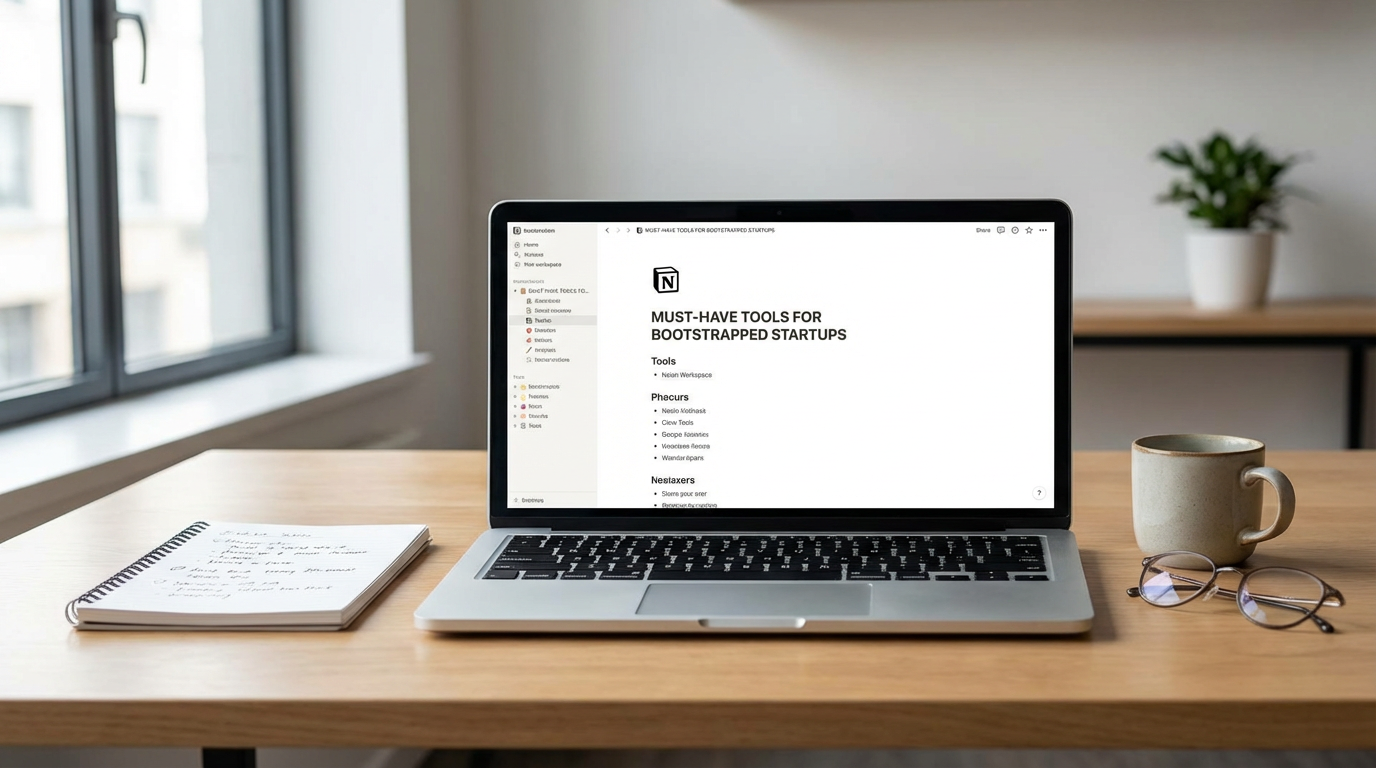
Documentation, project management, knowledge bases, meeting notes, and task tracking all need a home. Notion serves as that central hub where your entire team can organize information and collaborate in real time.
The beauty of Notion lies in its flexibility. You can build databases, create wikis, manage sprints, and store company policies all in one workspace. This eliminates the need for multiple subscriptions to different tools, which saves money and reduces the mental load of switching between platforms.
For bootstrapped teams, the free tier is generous enough to support small groups, and even the paid plans remain affordable as you grow. The learning curve exists, but once your team gets comfortable with it, Notion becomes the single source of truth for everything happening in your company.
- Stripe
If you’re selling anything online, you need a way to accept payments that doesn’t require a team of developers or a massive upfront investment. Stripe handles credit card processing, subscription billing, and payment infrastructure with clean APIs and straightforward pricing.
The platform scales with you, starting from your first transaction and growing to handle thousands without requiring you to switch systems. You pay only for what you use, with no monthly fees or hidden charges that eat into your margins.
Stripe also handles the complicated parts of payment processing, including security compliance, fraud detection, and international transactions. This means you can focus on building your product instead of becoming a payments expert. For many startups, Stripe becomes the financial backbone that supports everything from early beta customers to full commercial launch.
- Canva
Professional design work costs real money, but every startup needs graphics for social media, presentations, marketing materials, and website assets. Canva puts design capabilities into the hands of non-designers with templates, drag-and-drop editing, and a massive library of stock photos and elements.
The free version offers enough functionality for most early-stage needs. When you do upgrade to the paid tier, it’s still a fraction of what you’d pay for Adobe Creative Suite or hiring a designer for every small task. Teams can collaborate on designs, maintain brand consistency with saved color palettes and fonts, and produce professional-looking materials in minutes rather than hours.
While Canva won’t replace a skilled designer for major branding projects, it handles the daily visual needs that come with running a modern business. Social posts, pitch decks, email headers, and promotional graphics all become manageable tasks instead of bottlenecks.
- Loom
Clear communication gets harder as your team grows or works remotely. Loom lets you record quick video messages with your screen and webcam, turning what might be a long email or confusing Slack thread into a clear, personal explanation.
This tool shines for product demos, bug reports, training new team members, and giving feedback on designs or documents. Instead of typing paragraphs trying to explain what you mean, you can show exactly what you’re talking about in a two-minute video. Recipients can watch on their own time and replay sections they need to review.
The free tier allows for plenty of videos, and the paid plans remain reasonable as your recording needs increase. Many bootstrapped teams find that Loom reduces meeting time, speeds up onboarding, and improves the clarity of remote collaboration. The time savings alone make it worth adopting early.
- Airtable
Spreadsheets work fine until they don’t. Airtable takes the familiar grid layout and supercharges it with features like linked records, attachments, checkboxes, and different view types. You get the power of a database with the approachability of a spreadsheet.
Bootstrapped startups use Airtable for everything from content calendars and customer relationship management to inventory tracking and applicant screening. The ability to create different views of the same data means your sales team can see a pipeline view while your operations team sees a calendar view, all working from the same source.
The free plan supports small teams well, and the interface requires minimal training. If you’re currently wrestling with Google Sheets or Excel to manage complex workflows, Airtable probably solves your problems without requiring you to buy expensive project management software or build custom databases.
- Calendly
The back-and-forth of scheduling meetings wastes surprising amounts of time. Calendly eliminates this friction by letting people book time with you based on your actual availability. You set your preferences, share your link, and let others pick slots that work for them.
This becomes especially valuable when you’re doing sales calls, investor meetings, customer interviews, or podcast appearances. Instead of trading emails about time zones and availability, you send one link and move on with your day. The tool syncs with your existing calendar to prevent double bookings and can handle team scheduling when multiple people need to be on a call.
For bootstrapped founders who wear multiple hats, every minute saved on administrative tasks matters. Calendly pays for itself quickly just in recovered time, and the free version handles most basic needs until you require advanced features.
- Mailchimp
Email remains one of the highest-ROI marketing channels, but you need the right tools to manage your list and send campaigns without ending up in spam folders. Mailchimp provides email marketing capabilities with templates, automation, and analytics that help small teams communicate professionally with their audience.
The free tier lets you start building your list and sending regular updates without spending a dime. As your subscriber count grows, the pricing remains competitive compared to alternatives, and the platform includes features like audience segmentation, A/B testing, and automated welcome sequences.
Many bootstrapped companies use Mailchimp for newsletters, product announcements, onboarding sequences, and promotional campaigns. The built-in analytics help you understand what resonates with your audience so you can refine your messaging over time. For startups focused on content marketing or community building, email marketing tools become essential infrastructure rather than optional extras.
- Zapier
Your tools need to talk to each other, but custom integrations require developers and time you don’t have. Zapier connects different applications so data flows automatically between them without any coding required.
Common use cases include adding new customers from Stripe into your CRM, saving email attachments to cloud storage, posting social media updates across multiple platforms, or creating tasks in your project manager when forms are submitted. These automations eliminate repetitive manual work and reduce the errors that come with copying and pasting data between systems.
The free plan includes enough automation runs to handle basic workflows, and even the paid tiers cost less than hiring someone to do these tasks manually. For lean teams trying to operate efficiently, Zapier acts like having an extra team member who handles all the boring, repetitive stuff while you focus on work that actually grows the business.
- Google Workspace
Email, document creation, spreadsheets, presentations, and cloud storage all come bundled in Google Workspace at a price point that makes sense for small teams. While the individual tools might not be the absolute best in their categories, the integration between them and the collaborative features make the suite incredibly practical.
Real-time collaboration means multiple people can work on the same document simultaneously, which speeds up everything from proposal writing to financial modeling. Comments, suggestions, and version history keep everyone aligned without the confusion of multiple file versions floating around in email attachments.
For bootstrapped startups, the professional email addresses alone justify the cost. Having [email protected] instead of a free email service builds credibility with customers, investors, and partners. Add in the storage, collaboration tools, and video conferencing through Google Meet, and you have a complete productivity stack that costs less than taking your team out for coffee.
Building a startup with limited resources forces you to be smart about where you invest. The tools on this list won’t drain your bank account, but they will help you operate like a much larger company. Start with the ones that address your biggest pain points, and add others as your needs grow. The goal isn’t to have every tool available, but to have the right ones that let your small team move fast, stay organized, and deliver professional results. Choose tools that solve real problems, and you’ll find that bootstrapping doesn’t mean settling for second-rate solutions.