
17 Productivity Apps for Freelancers Compared: Which Tools Actually Deliver?
Freelancers face a constant battle: managing clients, tracking time, organizing projects, and somehow finding space to do the actual work. The app market promises solutions to all these problems, but not every tool lives up to its claims. This list compares 17 productivity apps side by side, weighing their strengths against their weaknesses so you can decide which ones deserve a spot in your workflow. You’ll see how these tools stack up in real-world freelance scenarios and where each one shines or falls short.
- Legiit: Freelance Marketplace Versus Traditional Job Boards
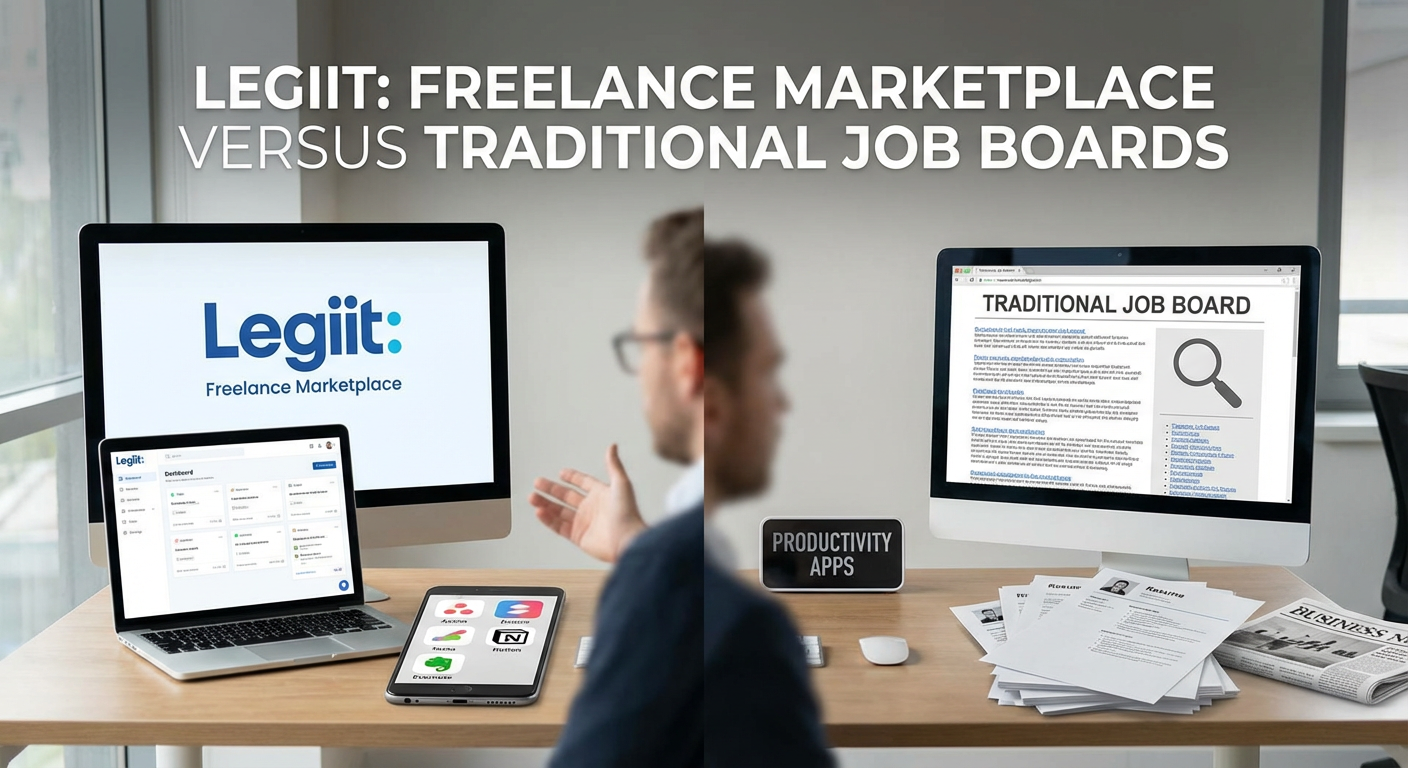
Legiit offers freelancers a platform that combines project listings with service selling, which sets it apart from traditional job boards like Upwork or Fiverr. The main advantage here is control: you can create service packages at fixed prices rather than constantly bidding on projects, which saves time and reduces the feast-or-famine cycle. The trade-off is that you need to build your presence on the platform and create compelling service listings.
Compared to general job boards, Legiit focuses specifically on digital services, which means less competition from unrelated fields and more targeted client matches. The pricing structure tends to favor sellers more than some competitor platforms, though you’ll need to invest effort in profile optimization. For freelancers who prefer productized services over hourly bidding wars, this platform offers a middle ground between marketplace exposure and maintaining your own client relationships.
- Toggl Track Versus Clockify: Time Tracking for Different Budgets
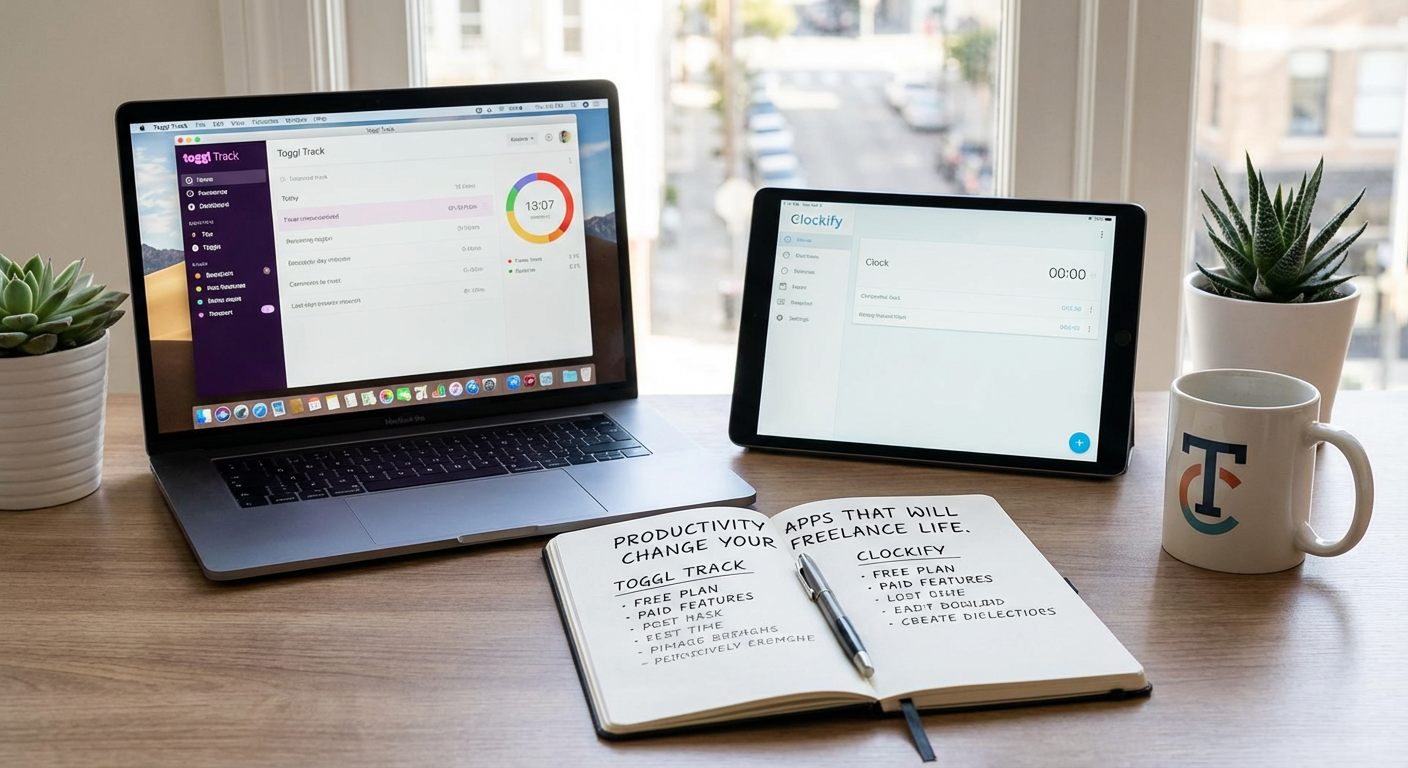
Both Toggl Track and Clockify handle time tracking well, but they serve different financial situations. Toggl offers a polished interface with excellent reporting features, but the free version limits you to basic functionality. Clockify gives you unlimited tracking and users on the free plan, making it the better choice if budget is tight.
The real difference emerges in reporting depth. Toggl’s paid tiers provide more detailed analytics and project profitability insights, which matter if you’re managing multiple clients with complex billing. Clockify’s reports are functional but less visual. For solo freelancers just starting out, Clockify wins on value. For established freelancers who need detailed client reporting and can justify the cost, Toggl’s premium features pay for themselves.
- Notion Versus Trello: Project Management Philosophy
Notion and Trello represent fundamentally different approaches to organization. Trello uses boards and cards in a visual, drag-and-drop system that’s immediately intuitive. You can set up a project in minutes without reading documentation. Notion offers a blank canvas where you build custom databases, wikis, and linked systems, which means a steeper learning curve but far more flexibility.
For freelancers who work with visual workflows and simple project stages, Trello delivers faster results with less setup time. For those managing knowledge bases, client documentation, and complex project relationships, Notion becomes a central hub that replaces multiple tools. The trade-off is time versus customization. Trello gets you working immediately but has limits. Notion requires upfront investment but adapts to exactly how your brain works.
- Google Calendar Versus Calendly: Scheduling Control Versus Convenience
Google Calendar remains the backbone of most scheduling systems, offering complete control over your time blocks and integrating with virtually every other tool. Calendly sits on top of your calendar and automates the back-and-forth of scheduling client calls. The question is whether you value control or convenience more.
With Google Calendar alone, you manually coordinate meeting times through email chains, which wastes time but keeps you in charge of every decision. Calendly eliminates that friction by letting clients book available slots directly, but you sacrifice some spontaneity and need to maintain strict availability windows. For freelancers with frequent client calls, Calendly saves hours each week. For those with irregular schedules or who prefer personal scheduling conversations, Google Calendar’s manual approach might actually work better. The hybrid approach of using both together often makes the most sense.
- Grammarly Versus ProWritingAid: Writing Assistant Trade-offs
Both tools catch grammar mistakes and suggest improvements, but their strengths differ significantly. Grammarly excels at real-time corrections across browsers and apps, with a cleaner interface that stays out of your way. ProWritingAid digs deeper into style analysis and offers more detailed reports on writing patterns, but the interface feels more cluttered and the real-time checking can slow down your writing flow.
For freelance writers who need quick, reliable grammar checking across multiple platforms, Grammarly integrates more smoothly and requires less mental overhead. For those who want to improve their craft with detailed feedback on sentence structure, pacing, and style, ProWritingAid provides more learning opportunities. Price-wise, ProWritingAid offers better lifetime deals, while Grammarly typically requires an ongoing subscription. The decision comes down to whether you want a passive safety net or an active writing coach.
- Slack Versus Discord: Client Communication Platforms
Slack built its reputation as the professional communication tool, while Discord started in gaming and expanded outward. For freelancer-client communication, this history matters. Slack feels more business-appropriate and offers better integrations with work tools like Google Drive and Trello. Discord provides better voice chat quality and more flexible free-tier features, but some clients perceive it as less professional.
The pricing models diverge sharply. Slack’s free version limits message history to 10,000 messages, which sounds like a lot until you hit it and lose access to old conversations. Discord gives unlimited message history for free but charges for enhanced upload limits and streaming quality. If your clients already use Slack, matching their platform makes sense. If you’re building your own freelance community or need frequent voice calls without paying, Discord delivers more value at the free tier.
- Asana Versus Monday.com: Visual Clarity Versus Flexibility
Asana and Monday.com both tackle project management but with different visual philosophies. Asana uses a cleaner, more minimal interface with list, board, and timeline views that keep information organized without overwhelming you. Monday.com embraces color and visual customization, which looks impressive in screenshots but can become visually noisy when you’re trying to focus.
For tracking multiple client projects with clear deadlines and dependencies, Asana’s timeline view and task relationships work better out of the box. For freelancers who need to show clients visual project boards or want highly customized workflows with color-coded statuses, Monday.com provides more presentation polish. Pricing favors Asana slightly for solo users, while Monday.com’s plans scale better if you occasionally collaborate with other freelancers. The core question is whether you want simplicity and focus or customization and visual impact.
- Evernote Versus OneNote: Note-Taking Ecosystems
Evernote and OneNote have both been around long enough to accumulate loyal users and significant feature sets. Evernote organizes notes through notebooks and tags, with powerful search that can even read text in images. OneNote uses a notebook-section-page hierarchy that mimics physical binders, with more freeform page layouts and better stylus support.
The major trade-off involves ecosystem and pricing. OneNote comes free with Microsoft accounts and integrates deeply with Office apps, making it the obvious choice if you already live in that world. Evernote’s free tier became much more limited over time, pushing users toward paid plans, but its cross-platform apps and web clipper remain superior. For freelancers who need to clip web research and organize scattered information, Evernote’s tagging and search justify the cost. For those already paying for Microsoft 365, OneNote provides comparable functionality without additional expense.
- FreshBooks Versus Wave: Accounting Software for Different Stages
FreshBooks and Wave both handle invoicing, expense tracking, and basic accounting, but they target different freelancer profiles. Wave offers completely free invoicing and accounting software, monetizing through payment processing fees and paid payroll services. FreshBooks charges a monthly subscription but provides more polished client management, time tracking integration, and professional invoice customization.
For brand-new freelancers watching every expense, Wave removes the barrier to professional invoicing entirely. The interface is clean enough, and the features cover basic needs. As your freelance business grows and you need better time tracking, project profitability analysis, and client relationship management, FreshBooks becomes worth the monthly cost. The transition point usually comes when you’re managing five or more active clients and need to track time against projects. Below that threshold, Wave makes more financial sense. Above it, FreshBooks saves enough time to justify the expense.
- Dropbox Versus Google Drive: Cloud Storage Priorities
The cloud storage battle between Dropbox and Google Drive comes down to sync reliability versus ecosystem integration. Dropbox built its entire business on file syncing and does it exceptionally well, with faster sync speeds and better handling of large files. Google Drive offers more free storage and integrates seamlessly with Docs, Sheets, and other Google tools.
Freelancers who work primarily in Google Workspace apps and share documents with clients will find Google Drive’s real-time collaboration features more valuable. Those who work with large design files, video projects, or software development benefit from Dropbox’s superior sync technology and selective sync features. Pricing is comparable at the paid tiers, but Google Drive’s free 15GB beats Dropbox’s 2GB significantly. The decision often comes down to whether you collaborate more through shared documents or through file delivery.
- RescueTime Versus Timing: Automatic Time Tracking Approaches
Both RescueTime and Timing automatically track how you spend time on your computer, but their methods and insights differ. RescueTime works cross-platform and categorizes websites and apps as productive or distracting, giving you a productivity score. Timing, available only on Mac, tracks time by project and suggests which activities belong to which projects, focusing more on billable time than productivity judgment.
For freelancers who struggle with distraction and want to understand their focus patterns, RescueTime’s productivity scoring and distraction blocking features provide more behavioral insight. For Mac-using freelancers who need to reconstruct timesheets and bill clients accurately, Timing’s project-based tracking and timeline review save significant time at invoicing. RescueTime feels more like a productivity coach, while Timing acts as a billing assistant. Your choice depends on whether your primary problem is staying focused or tracking billable hours accurately.
- Zoom Versus Google Meet: Video Call Trade-offs
Zoom and Google Meet dominate video calls but optimize for different priorities. Zoom provides better video quality, more reliable connections, and superior features like breakout rooms and virtual backgrounds. Google Meet offers simpler access (no app required for clients), better calendar integration, and unlimited meeting length on paid Google Workspace plans.
The client experience matters here. Asking clients to install Zoom creates a small barrier, though most people already have it. Google Meet links work in any browser without downloads, reducing friction for first-time client calls. Zoom’s free tier limits meetings to 40 minutes, which can interrupt longer client sessions, while Google Meet recently extended free meeting lengths. For freelancers doing frequent coaching calls or workshops, Zoom’s features justify asking clients to use it. For quick check-ins and consultations, Google Meet’s zero-friction approach wins.
- LastPass Versus 1Password: Password Management Philosophy
LastPass and 1Password both secure your passwords and autofill login credentials, but their security models and user experiences diverge. LastPass uses a cloud-based approach with browser extensions that work everywhere, making it the most convenient option. 1Password offers local vaults with cloud sync as an option, appeals to security purists, and provides a more polished native app experience.
The security debate gets technical, but the practical difference for freelancers is this: LastPass makes password management nearly invisible, while 1Password requires slightly more active engagement. LastPass had security incidents in the past that make some users nervous, while 1Password maintains a cleaner security record but costs more. For freelancers managing dozens of client accounts and tool logins, either tool dramatically improves security over password reuse. The choice comes down to whether you prioritize convenience and price (LastPass) or security reputation and interface polish (1Password).
- Canva Versus Adobe Express: Design Tools for Non-Designers
Canva and Adobe Express both let freelancers create professional-looking graphics without design training, but they take different paths. Canva built its platform from scratch for simplicity, with an enormous template library and an interface that anyone can grasp in minutes. Adobe Express brings Adobe’s design heritage into a simplified tool, with better integration into Creative Cloud if you use Photoshop or Illustrator.
For pure ease of use and template variety, Canva leads decisively. The free tier provides enough functionality for most freelance marketing needs, and the paid version adds brand kits and advanced features. Adobe Express makes more sense if you’re already paying for Creative Cloud and want to move designs between Express and professional tools. The template quality in Canva tends to feel more modern and social-media-ready, while Adobe Express templates lean more corporate. Most freelancers will find Canva’s combination of simplicity and variety the better match for creating client presentations, social graphics, and marketing materials.
- Loom Versus Vidyard: Video Messaging for Different Audiences
Loom and Vidyard both record screen and webcam videos for asynchronous communication, but they serve different freelance use cases. Loom focuses on internal communication and simple client updates, with instant sharing and a clean viewer experience. Vidyard adds sales and marketing features like CTAs, detailed viewer analytics, and video hosting for websites.
For freelancers who want to replace long email explanations with quick video walkthroughs or provide clients with screen recordings showing project progress, Loom delivers exactly what you need without extra complexity. For freelance consultants or agencies creating marketing videos, tutorials, or sales content where viewer analytics matter, Vidyard’s additional features become valuable. Loom’s free tier is more generous for basic use, while Vidyard charges sooner but provides more business-focused tools. The choice depends on whether you’re using video for simple communication or as a business asset.
- Airtable Versus Google Sheets: Database Versus Spreadsheet
Airtable and Google Sheets both organize information in rows and columns, but their underlying philosophies differ significantly. Google Sheets is a spreadsheet that can stretch to handle database-like tasks through complex formulas. Airtable is a database disguised as a spreadsheet, with built-in relational features, multiple views, and attachments.
For simple lists, budgets, and calculations, Google Sheets provides familiar tools and better formula options. For managing client projects, content calendars, or any scenario where you need to connect related information across tables, Airtable’s relational database structure saves enormous time. The learning curve for Airtable is steeper initially, but it scales better as your data becomes complex. Google Sheets is free with generous limits, while Airtable’s free tier restricts bases and features. Freelancers managing straightforward data should stick with Sheets. Those coordinating projects, clients, and interconnected information will find Airtable’s structure more maintainable long-term.
- Forest Versus Freedom: Focus App Strategies
Forest and Freedom both help freelancers avoid distractions, but through opposite psychological mechanisms. Forest uses positive reinforcement, growing a virtual tree while you stay focused and killing it if you leave the app. Freedom uses restriction, blocking distracting websites and apps entirely during focus sessions.
The psychological difference matters. Forest works well if you respond to gamification and gentle accountability, making focus sessions feel rewarding rather than restrictive. Freedom suits freelancers who need hard boundaries because willpower alone isn’t enough. Forest’s free version is functional, while Freedom requires payment for full features. For procrastination driven by habit and boredom, Forest’s gentle approach helps build better patterns. For serious internet addiction or deadline-driven work where distractions must be eliminated, Freedom’s blocking approach is more effective. Some freelancers use both: Forest for normal work days, Freedom for crunch times.
Every productivity app involves trade-offs. The tools that work for one freelancer might frustrate another, depending on your work style, budget, and specific client needs. Rather than chasing the perfect stack, focus on identifying your biggest productivity pain points and testing tools that specifically address those issues. Start with free versions, live with an app for at least two weeks before judging it, and don’t hesitate to switch when something isn’t working. The best productivity system is the one you’ll actually use consistently, even if it’s not the most feature-rich option on the market.