
10 Easy-to-Use Management Tools Every Freelancer Should Start With
Starting a freelancing business can feel overwhelming, especially when you realize how many hats you need to wear. You’re not just doing the work you love, you’re also managing clients, tracking time, handling invoices, and keeping projects on schedule. The good news? You don’t need to master complex software or spend weeks learning new systems. This list focuses on management tools that are genuinely easy to use, perfect for beginners who want to get organized quickly without a steep learning curve. Each tool here will help you manage your freelance business more smoothly while letting you focus on what you do best.
- Legiit
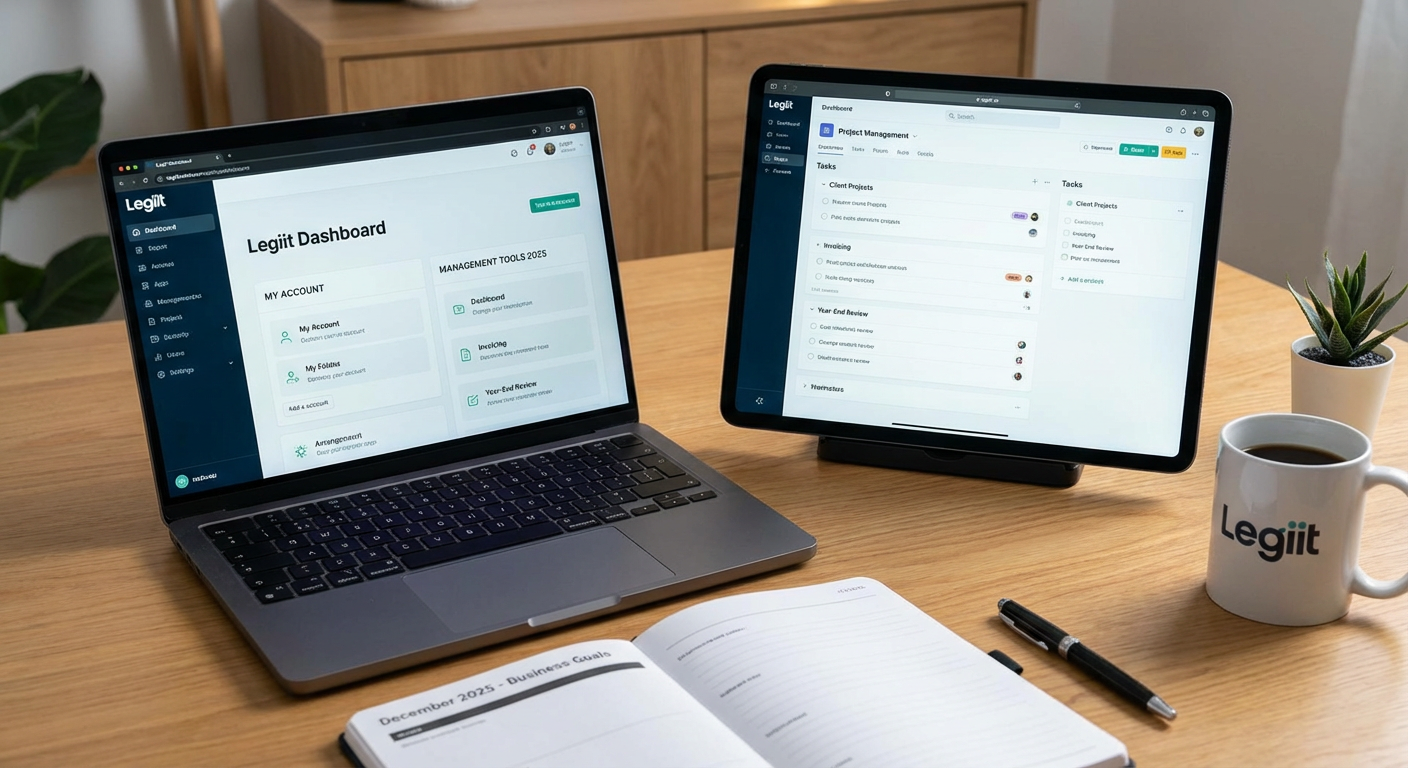
If you’re new to freelancing, finding clients can feel like the hardest part of the whole business. Legiit makes this process simple by connecting you with people who need your services right away. The platform is built specifically for freelancers and agencies, so you don’t have to compete with massive corporations or wade through confusing job boards.
What makes Legiit especially good for beginners is how straightforward it is to set up your profile and start offering services. You create clear service listings with fixed prices, which means no awkward negotiations or guessing what to charge. Clients can find you, review what you offer, and hire you directly. The platform handles payments securely, so you don’t need to worry about chasing down money or setting up complicated payment systems on your own. It’s a practical way to build your client base while you’re still learning the ropes of running a freelance business.
- Trello
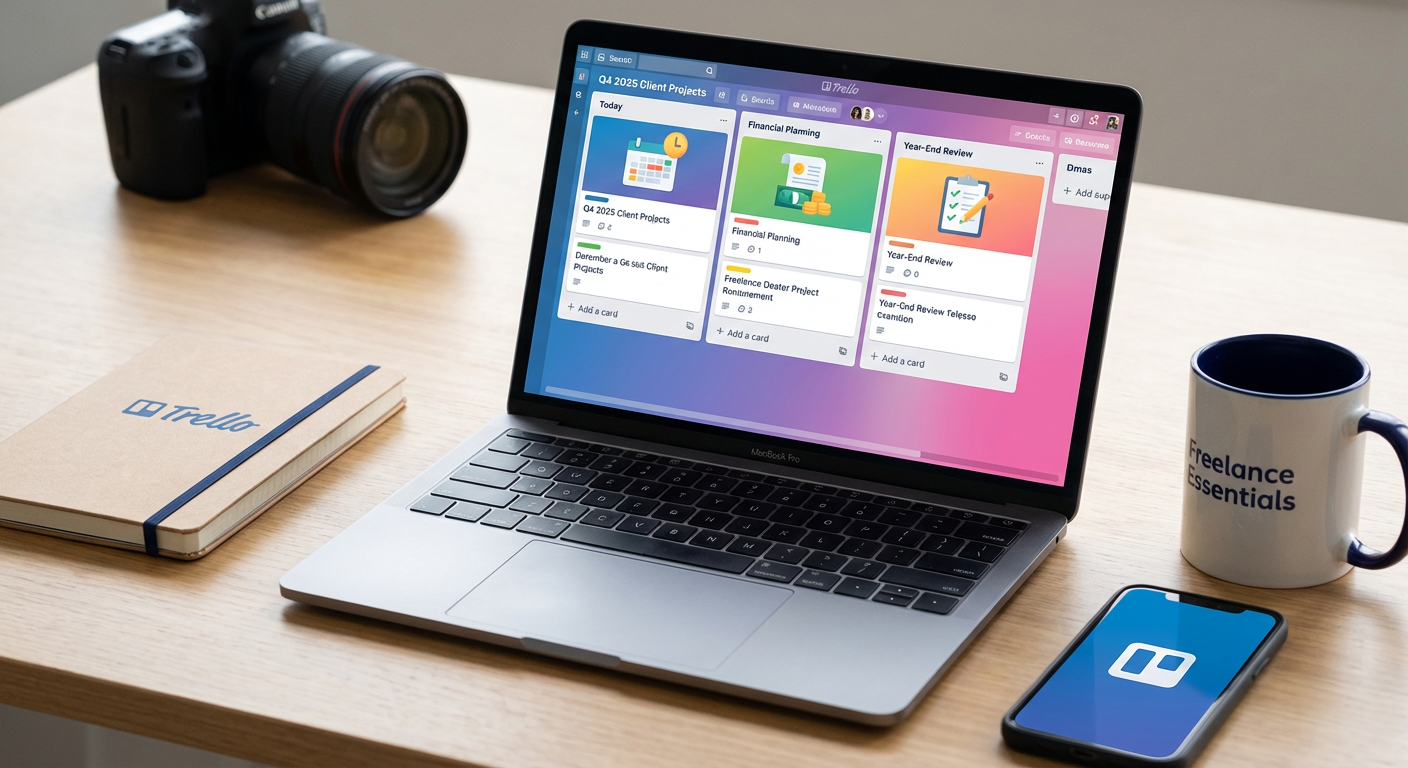
Trello uses a visual board system that makes project management feel natural, even if you’ve never used project software before. You create boards for different projects or clients, then add cards for individual tasks. Drag and drop cards between columns as work progresses, like moving a task from “To Do” to “In Progress” to “Done.”
This visual approach means you can see exactly what needs attention at a glance. You can add due dates, attach files, write notes, and create checklists within each card. The free version gives you everything most solo freelancers need. Many people find Trello less intimidating than traditional project management tools because it feels more like organizing sticky notes on a wall than learning complicated software. You can start using it productively within minutes of signing up.
- Wave
Wave offers free accounting and invoicing software designed for small businesses and freelancers. For beginners who find financial management stressful, Wave simplifies the whole process without requiring accounting knowledge. You can create professional invoices in minutes, track what clients owe you, and send payment reminders automatically.
The software also handles basic bookkeeping by organizing your income and expenses. When tax time comes, you’ll have clear records instead of a shoebox full of receipts. Wave makes money by offering optional paid services like payment processing and payroll, but the core features are completely free. The interface is clean and easy to understand, with helpful prompts that guide you through each step. For someone just starting out who needs to look professional without paying for expensive accounting software, Wave hits the sweet spot.
- Google Workspace
Google Workspace, formerly known as G Suite, gives you professional email, cloud storage, and collaboration tools all in one place. Having an email address with your own domain name instead of a generic Gmail address makes you look more established and trustworthy to potential clients.
Beyond email, you get access to Google Drive for storing files, Google Docs for writing, Google Sheets for spreadsheets, and Google Meet for video calls. Everything saves automatically to the cloud, so you never lose work if your computer crashes. Sharing documents with clients is simple, and you can collaborate in real time. The basic plan is affordable and includes enough storage for most freelancers. Since many people already know how to use Google’s tools, there’s almost no learning curve. You can be up and running with a professional setup the same day you sign up.
- Toggl Track
Time tracking might sound tedious, but Toggl Track makes it painless. The software has a big start button that you click when you begin working and click again when you stop. That’s basically it. The tool runs quietly in the background while you work, tracking how much time you spend on different projects and tasks.
Why does this matter for beginners? First, you’ll quickly learn how long tasks actually take, which helps you quote more accurate prices and deadlines. Second, if you bill by the hour, you have precise records to show clients. Third, you can spot where your time goes and identify tasks that eat up more hours than they should. Toggl Track has a generous free plan and a simple interface that doesn’t require training. Reports are easy to read and can be exported when you need them. For someone new to freelancing who wants to work more efficiently, time tracking is a game changer, and Toggl makes it as easy as possible.
- Calendly
Scheduling meetings with clients often turns into an annoying back-and-forth of emails. “Are you free Tuesday at 2?” “No, how about Wednesday at 10?” “That doesn’t work for me either.” Calendly eliminates this hassle completely. You set your available hours, and clients book time slots that work for them directly from your calendar.
The tool syncs with your existing calendar to prevent double bookings and automatically adjusts for different time zones. You can set different meeting types, like 15-minute intro calls or hour-long project discussions. Clients receive automatic reminders, which reduces no-shows. The free version covers basic needs perfectly well for most freelancers. Setting up Calendly takes about ten minutes, and it immediately makes you look more professional and organized. Clients appreciate how easy it is to book time with you, and you get those hours back that you used to spend coordinating schedules.
- Notion
Notion combines notes, documents, databases, and task lists into one flexible workspace. For beginners, this means you can keep everything related to your freelance business in a single place instead of scattered across multiple apps. You might create a page for each client with meeting notes, project details, and important files all together.
What makes Notion approachable is that you can start simple and add complexity only as you need it. Begin with basic pages and lists, then gradually explore features like databases or templates as you get comfortable. The interface feels clean and modern without being cluttered. Many freelancers use Notion as their central hub for managing their entire business. The free personal plan is quite generous. While Notion can do a lot, you don’t need to learn everything at once. Start with what makes sense for your workflow and expand from there.
- Slack
Email works fine for formal communication, but sometimes you need quicker, more casual conversations with clients or collaborators. Slack provides organized chat that keeps different topics in separate channels. You might have one channel for a specific project, another for general questions, and direct messages for one-on-one conversations.
Messages are searchable, so you can find that important detail someone mentioned weeks ago. You can share files, make quick voice or video calls, and integrate other tools you use. For beginners, Slack is intuitive because it works like texting but with better organization. Many clients already use Slack, so knowing how it works makes you easier to work with. The free version works perfectly well for small teams or solo freelancers working with a few clients. Communication becomes faster and clearer, which helps projects move more smoothly.
- LastPass
As a freelancer, you’ll create accounts on dozens of platforms, client systems, and services. Keeping track of all those passwords becomes a real problem. LastPass is a password manager that stores all your login information securely in one place. You only need to remember one master password, and LastPass handles the rest.
The tool can generate strong, unique passwords for each account, which is much more secure than reusing the same password everywhere. It automatically fills in login forms, saving you time and frustration. The browser extension makes everything seamless. For beginners worried about security but not sure where to start, a password manager is one of the most important tools you can use. LastPass offers a free version that covers individual users well. Setting it up takes a bit of initial time as you add your existing accounts, but after that, it makes your digital life much simpler and safer.
- Canva
Even if design isn’t your main skill, you’ll need to create graphics occasionally. Maybe you need a logo, social media posts, presentation slides, or proposal covers. Canva makes graphic design accessible to complete beginners through drag-and-drop templates and pre-made elements.
You start with a template for whatever you’re creating, then customize colors, fonts, images, and text to fit your needs. The interface is intuitive, and you don’t need any design training to create something that looks professional. Canva includes a huge library of free photos, icons, and graphics. The free version is surprisingly capable, though the paid plan adds more features and content. For freelancers who need visual content but can’t afford a designer or don’t have design skills, Canva is incredibly helpful. You can create polished marketing materials, client presentations, and branded content without the learning curve of professional design software.
Managing a freelance business doesn’t have to mean wrestling with complicated software or spending weeks in training. The tools on this list are genuinely easy to start using right away, designed with real people in mind rather than just power users. Start with the basics that address your biggest pain points, whether that’s finding clients, tracking time, or creating invoices. You can always add more tools as your business grows and your needs become clearer. The key is getting organized enough that you spend more time doing the work you love and less time feeling overwhelmed by business tasks. Pick one or two tools from this list, set them up this week, and you’ll be surprised how much smoother your freelance life becomes.