Expert-Recommended Tools Every Freelancer Needs for Maximum Productivity
After years of testing tools and talking with successful freelancers across industries, certain platforms consistently rise to the top. These aren’t just popular options. They’re the ones that professionals rely on daily to stay productive, organized, and profitable. Whether you’re just starting out or looking to refine your workflow, this list brings together the tools that experts trust most. Each one has earned its place through proven results and real-world performance.
- Legiit
Freelancers who know the business recommend Legiit as a smart marketplace for buying and selling services. Unlike general platforms that take huge cuts, Legiit keeps fees reasonable and offers a community focused on digital services. You can find clients, outsource tasks, and even build a service catalog that works for you.
Many experienced freelancers use Legiit to scale their operations by hiring other specialists for overflow work or specialized skills they don’t have. The platform has built a reputation for quality providers and straightforward transactions. If you want a marketplace that treats you like a professional, not just another gig worker, Legiit deserves your attention.
- Notion
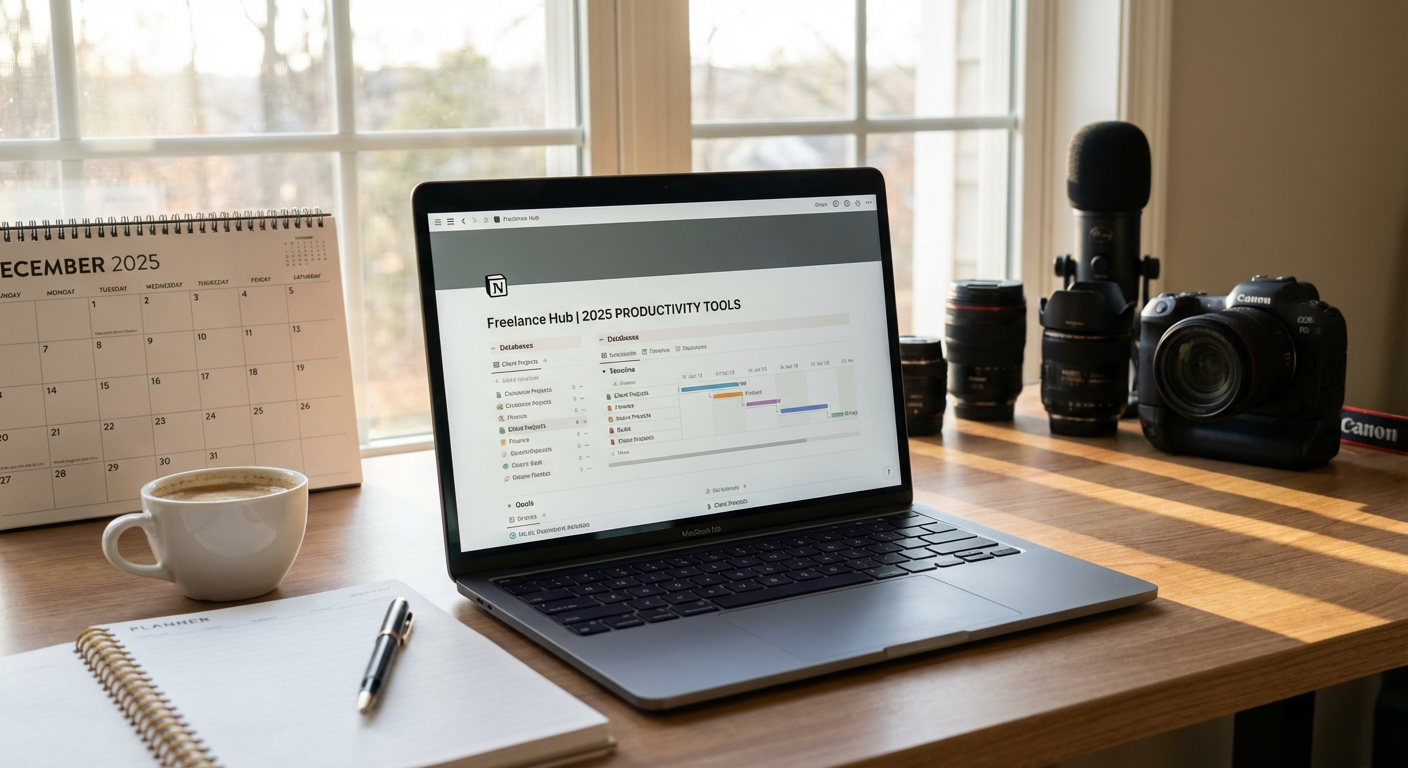
Professionals across industries point to Notion as their central hub for everything from project management to knowledge bases. This tool combines notes, databases, task lists, and wikis into one flexible workspace. You can build custom dashboards that fit your exact workflow instead of forcing yourself into rigid templates.
What makes Notion stand out is its adaptability. Writers use it for content calendars, designers organize client feedback boards, and consultants build entire client portals inside the platform. The learning curve exists, but once you understand the building blocks, you can create a system that grows with your business. Experts appreciate that Notion replaces multiple tools while keeping everything searchable and connected.
- Toggl Track
Time tracking might sound tedious, but seasoned freelancers swear by Toggl Track for understanding where their hours actually go. This simple timer runs in the background while you work, categorizing time by project or client. The insights help you price services accurately and identify which tasks drain your day without adding value.
Toggl Track works across devices and integrates with other tools you already use. The reports show patterns you might miss otherwise, like realizing you spend three hours weekly on email or that certain clients take twice as long as expected. Professionals use this data to make better decisions about rates, project selection, and time boundaries. Good tracking leads to better billing and healthier work habits.
- Grammarly Business
Clear communication separates successful freelancers from struggling ones, and Grammarly Business helps maintain that professional polish. This writing assistant catches errors, suggests improvements, and keeps your tone consistent across emails, proposals, and deliverables. The business version adds brand style guides and team features that solo pros can use to maintain consistency across different project types.
Experts value Grammarly not just for catching typos but for improving clarity and conciseness. The tool highlights wordy phrases, passive voice, and confusing sentences. When you’re writing late at night or juggling multiple clients, having a second set of eyes prevents embarrassing mistakes. Strong writing builds trust, and Grammarly helps ensure your words always represent your best work.
- Calendly
Scheduling shouldn’t require ten emails back and forth, and that’s why top freelancers rely on Calendly. This scheduling tool connects to your calendar and lets clients book time slots that work for both of you. You set your availability rules, buffer times, and meeting types, then share a simple link.
The time savings add up quickly when you’re managing multiple clients and projects. Calendly handles time zones automatically, sends reminders, and integrates with video conferencing tools. Professionals appreciate how it removes friction from the booking process and makes you look organized and accessible. The paid tiers offer team features, custom branding, and workflow automation that serious freelancers find worth the investment.
- Slack
Email works fine until you’re collaborating with teams or managing ongoing client relationships. Slack gives you organized channels for different projects, direct messages that feel more immediate than email, and a searchable history of every conversation. Freelancers who work with agencies or in collaborative projects find Slack essential for staying in the loop.
The platform integrates with hundreds of other tools, bringing notifications and updates into one place. You can share files, make quick voice calls, and keep conversations organized by topic instead of drowning in threaded emails. Professionals value how Slack separates urgent communications from background chatter. The key is setting boundaries so Slack enhances productivity instead of creating constant interruptions.
- Zapier
Automation sounds technical, but Zapier makes it accessible for non-coders who want to save hours on repetitive tasks. This tool connects your apps and creates workflows that run automatically. When a client fills out your contact form, Zapier can add them to your CRM, create a project folder, and send you a Slack notification, all without you lifting a finger.
Experienced freelancers use Zapier to eliminate data entry, sync information between platforms, and ensure nothing falls through the cracks. You might automatically save email attachments to cloud storage, log time entries from one app into your invoicing system, or update spreadsheets based on form submissions. The possibilities expand as you learn the tool, and the time savings compound. Professionals who bill by the hour especially appreciate getting those hours back for actual client work.
- Airtable
Spreadsheets hit their limits fast when you’re managing complex projects with multiple moving parts. Airtable combines the familiarity of spreadsheets with the power of databases, giving you flexible views like grids, calendars, kanban boards, and galleries. Freelancers use it for everything from content calendars to client databases to project pipelines.
What professionals love about Airtable is how it grows with your needs. Start with a simple table and add complexity as your business demands it. Link records between tables to see relationships, attach files directly to records, and create custom views for different purposes. The interface feels intuitive while offering depth that simpler tools can’t match. Many experts consider Airtable their secret weapon for staying organized without the overhead of enterprise software.
- 1Password
Security might not feel like a productivity tool, but password managers save time and protect your business. 1Password stores all your login credentials securely and fills them in automatically. No more resetting passwords, digging through notes, or using weak passwords you can remember.
Freelancers juggle accounts for clients, tools, and platforms constantly. 1Password keeps everything organized, generates strong passwords, and even stores secure notes for things like software licenses or API keys. The business version lets you share credentials safely with contractors or clients without sending passwords through email. Professionals who’ve experienced account breaches or password headaches understand why this tool is non-negotiable. The time and stress it saves makes the subscription cost trivial.
- Loom
Sometimes explaining something through text takes ten times longer than just showing it. Loom lets you record quick screen and camera videos that you can share instantly via link. Freelancers use it for client updates, feedback on work, tutorials, and status reports that would otherwise require long emails or meetings.
The efficiency gains are significant. Instead of scheduling a call to walk through changes, record a three-minute Loom video the client can watch when convenient. Instead of writing detailed instructions, show the process on screen with your voice explaining each step. Top freelancers report that clients love the personal touch of seeing and hearing them, while both parties appreciate the flexibility. Loom has become standard practice for professionals who value clear communication without the scheduling overhead of constant video calls.
These tools have earned their places in professional freelancers’ toolkits through consistent performance and real results. You don’t need every tool on this list immediately, but each one addresses a specific productivity challenge that most freelancers face. Start with the areas where you struggle most, whether that’s time management, communication, or organization. The right tools won’t do the work for you, but they’ll remove friction and free up mental energy for what matters most: delivering excellent work and growing your business. Your productivity stack should evolve as your business does, so revisit these options as your needs change.