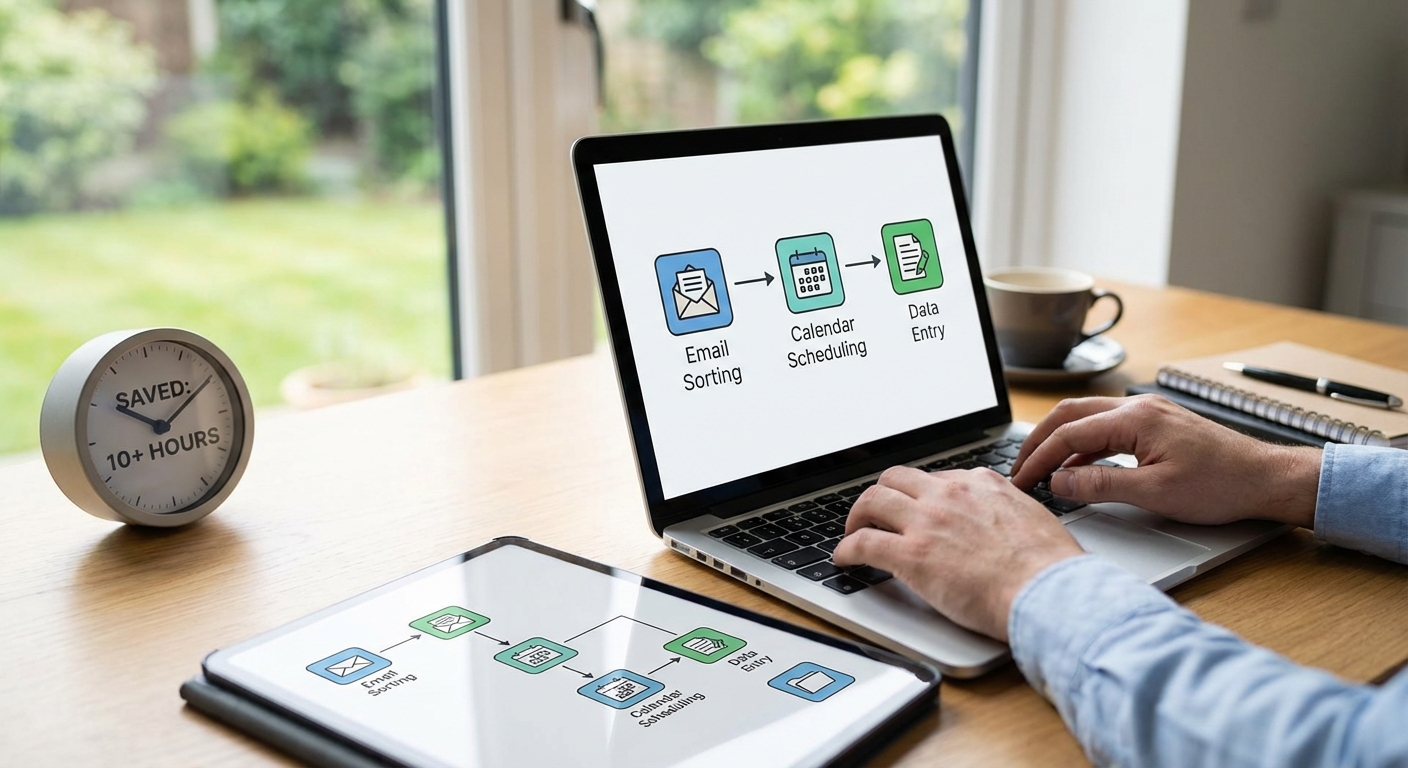
20 Fast Tasks You Should Automate Right Now to Free Up 10+ Hours Weekly
Time is the one resource you can never get back. If you are spending hours each week on repetitive tasks that a system could handle, you are leaving productivity on the table. This list is for busy professionals, entrepreneurs, and anyone who wants to reclaim their schedule without sacrificing quality. Each automation on this list delivers immediate time savings, often within the first week of implementation. Let’s look at the tasks you can automate right now to get those hours back.
- Outsource Your Repetitive Business Tasks with Legiit

Automation does not always mean software. Sometimes the fastest way to free up time is to hand off recurring work to skilled freelancers who specialize in exactly what you need. Legiit connects you with professionals who handle everything from content writing and social media management to SEO and graphic design. Instead of spending hours each week on tasks outside your core skills, you can delegate them quickly and affordably. The platform is built for speed, so you can post a project and start getting results within days, not weeks.
- Auto-Schedule Your Social Media Posts

Posting manually to social media multiple times a day eats up valuable minutes that add up fast. Tools like Buffer, Hootsuite, and Later let you batch-create a week or month of content in one sitting, then automatically publish it at optimal times. You can also recycle high-performing posts to keep your feed active without constant attention. This single automation can save you 3 to 5 hours per week, especially if you manage multiple accounts.
- Set Up Automatic Email Filters and Labels
Most email clients let you create rules that automatically sort incoming messages into folders, apply labels, or mark certain emails as read. This means you stop wasting time manually organizing your inbox every morning. For example, you can auto-file newsletters, receipts, and project updates so your primary inbox only shows messages that need your immediate attention. It takes 10 minutes to set up and saves you 30 to 60 minutes every week.
- Use Canned Responses for Common Emails
If you find yourself typing the same answers over and over, canned responses are a simple fix. Gmail calls them templates, Outlook calls them Quick Parts, and most email apps have a version of this feature. Write your most common replies once, save them as templates, and insert them with a few clicks whenever needed. You can still personalize them before hitting send. This can cut your email response time in half, saving an hour or more each week.
- Automate Your Appointment Booking
Back-and-forth emails to find a meeting time can take longer than the meeting itself. Calendly, Acuity Scheduling, and similar tools let people book time directly on your calendar based on your availability. You set your open slots, share a link, and let the system handle confirmations and reminders. This eliminates the scheduling dance and can save you 2 to 3 hours per week if you book even a handful of meetings regularly.
- Turn On Auto-Pay for Recurring Bills
Paying bills manually each month is a time drain that offers zero value. Most banks and service providers let you set up automatic payments so bills get paid on time without you lifting a finger. Just review your statements once a month to catch any errors. This simple switch saves you 30 to 45 minutes every month and eliminates late fees.
- Use Text Expanders for Repetitive Typing
Text expanders let you type a short abbreviation that instantly transforms into a longer phrase, sentence, or paragraph. For example, typing “myemail” could expand into your full email address, or “sig” could insert your entire email signature. Tools like TextExpander, PhraseExpress, and built-in phone shortcuts make this easy. If you type the same information frequently, this can save you dozens of minutes each day.
- Automate Your Expense Tracking
Manually logging receipts and categorizing expenses is tedious and error-prone. Apps like Expensify, QuickBooks, and Wave can automatically import transactions from your bank and credit cards, categorize them, and generate reports. Some can even scan receipts with your phone camera and extract the data instantly. This automation saves hours during tax season and keeps your finances organized year-round.
- Set Up Automatic Data Backups
Backing up your files manually is something most people skip until it is too late. Cloud services like Backblaze, Carbonite, and Google Drive can automatically back up your computer in the background without any effort from you. Once configured, you never have to think about it again. This protects your data and eliminates the need to remember to run backups, saving you time and stress.
- Use IFTTT or Zapier to Connect Your Apps
These automation platforms let different apps talk to each other and trigger actions based on events. For example, you can automatically save email attachments to Dropbox, log new contacts from forms into your CRM, or post Instagram photos to Twitter. The possibilities are nearly endless. Setting up a few key automations can save you 1 to 2 hours per week by eliminating manual data transfers and updates.
- Automate Your Invoice Generation and Sending
Creating and sending invoices by hand takes longer than it should. Tools like FreshBooks, Invoice Ninja, and QuickBooks let you set up recurring invoices that go out automatically on a schedule. You can also create invoice templates that auto-fill client information and line items. This cuts invoicing time from 20 minutes per client to just a few seconds, saving hours each month if you bill multiple clients.
- Turn On Smart Home Automation for Daily Routines
Smart home devices can automate repetitive tasks like adjusting lights, thermostats, and locks. You can set routines so your coffee maker starts brewing when your alarm goes off, or your lights dim automatically at bedtime. While each action saves only a minute or two, these small wins add up to 30 to 60 minutes per week. Plus, they reduce mental load by removing decisions from your daily routine.
- Use Auto-Responders for Customer Service
If you receive common questions through email or your website, auto-responders can provide instant answers. You can set up automated replies for FAQs, order confirmations, and support tickets. This gives customers immediate information while freeing you to focus on more complex inquiries. For small businesses, this can save several hours per week and improve customer satisfaction at the same time.
- Automate Your Report Generation
Creating weekly or monthly reports by pulling data from multiple sources is a major time sink. Many analytics platforms and business tools offer automated reporting features that compile data and send it to you on a schedule. Google Analytics, HubSpot, and similar tools can email you dashboards and summaries without manual effort. This can save you 2 to 4 hours per month depending on how many reports you produce.
- Set Up Automatic Receipt Scanning and Filing
Apps like Shoeboxed, Receipt Bank, and Evernote let you snap photos of receipts and automatically extract the data, categorize it, and store it digitally. Some even integrate with accounting software to sync expenses in real time. This beats manually filing paper receipts and saves you from the scramble during tax season. You can reclaim an hour or more each month with this simple habit.
- Use Auto-Fill for Forms and Passwords
Typing your name, address, email, and payment details repeatedly is a waste of time. Browser auto-fill and password managers like LastPass, 1Password, and Dashlane can complete forms and log you into sites instantly. This saves you a few seconds per form, but those seconds add up to an hour or more each month if you shop online, fill out applications, or manage multiple accounts regularly.
- Automate Your Lead Nurturing Emails
Following up with leads manually is time-consuming and easy to forget. Email marketing platforms like Mailchimp, ConvertKit, and ActiveCampaign let you create automated email sequences that trigger when someone signs up or takes a specific action. Once set up, your leads get timely, personalized messages without you having to send each one individually. This can save you 3 to 5 hours per week if you manage a growing list.
- Use Automated Transcription for Meetings and Calls
Taking notes during meetings pulls your attention away from the conversation. Tools like Otter.ai, Rev, and Descript can automatically transcribe your audio in real time or from recordings. You can then review the transcript, pull out action items, and share notes with your team in minutes instead of hours. This saves you 1 to 2 hours per week if you attend several meetings.
- Set Up Automated File Organization
Manually sorting files into folders is tedious and often gets skipped. Tools like Hazel for Mac or File Juggler for Windows can automatically move, rename, and organize files based on rules you set. For example, you can automatically sort downloads by file type or move invoices to a specific folder. This keeps your digital workspace clean and saves you 30 to 60 minutes each week.
- Automate Your Shopping Lists and Reorders
Reordering household essentials and groceries takes more time than you think. Amazon Subscribe and Save, grocery delivery apps, and smart home devices like Alexa can automate reordering based on your usage patterns or schedules. You can also use shared shopping list apps that sync across devices so everyone in your household can add items in real time. This saves you 30 to 45 minutes per week in planning and ordering.
Reclaiming 10 or more hours each week is not about working harder. It is about letting automation handle the repetitive tasks that drain your time and energy. Each item on this list is designed to deliver fast results with minimal setup. Start with the automations that will have the biggest impact on your daily routine, then build from there. The time you save can go toward the work that actually moves the needle, or better yet, toward the things you enjoy outside of work. Your future self will thank you.