
12 Essential Tools Every Blogger and Content Creator Should Own Right Now
Creating content online can feel overwhelming when you’re juggling writing, editing, graphics, SEO, and everything else that comes with building an audience. The good news is that the right tools can make your life significantly easier. This list covers twelve practical resources that will help you produce better content faster, whether you’re just starting out or you’ve been at this for years. These aren’t trendy apps that will disappear next month. They’re reliable solutions that address real problems you face every day as a content creator.
- Legiit

When you need expert help with specific tasks but don’t want to hire full-time staff, Legiit connects you with skilled freelancers who specialize in content creation, SEO, graphic design, video editing, and more. The platform focuses specifically on digital marketing services, which means you’ll find people who actually understand the nuances of building an online presence.
What makes Legiit particularly useful is that you can browse services at fixed prices, so there are no surprises when the invoice arrives. Many bloggers use it to outsource time-consuming tasks like keyword research, thumbnail creation, or podcast editing so they can focus on the creative work only they can do. The quality tends to be high because service providers build their reputations through reviews and repeat clients.
- Grammarly
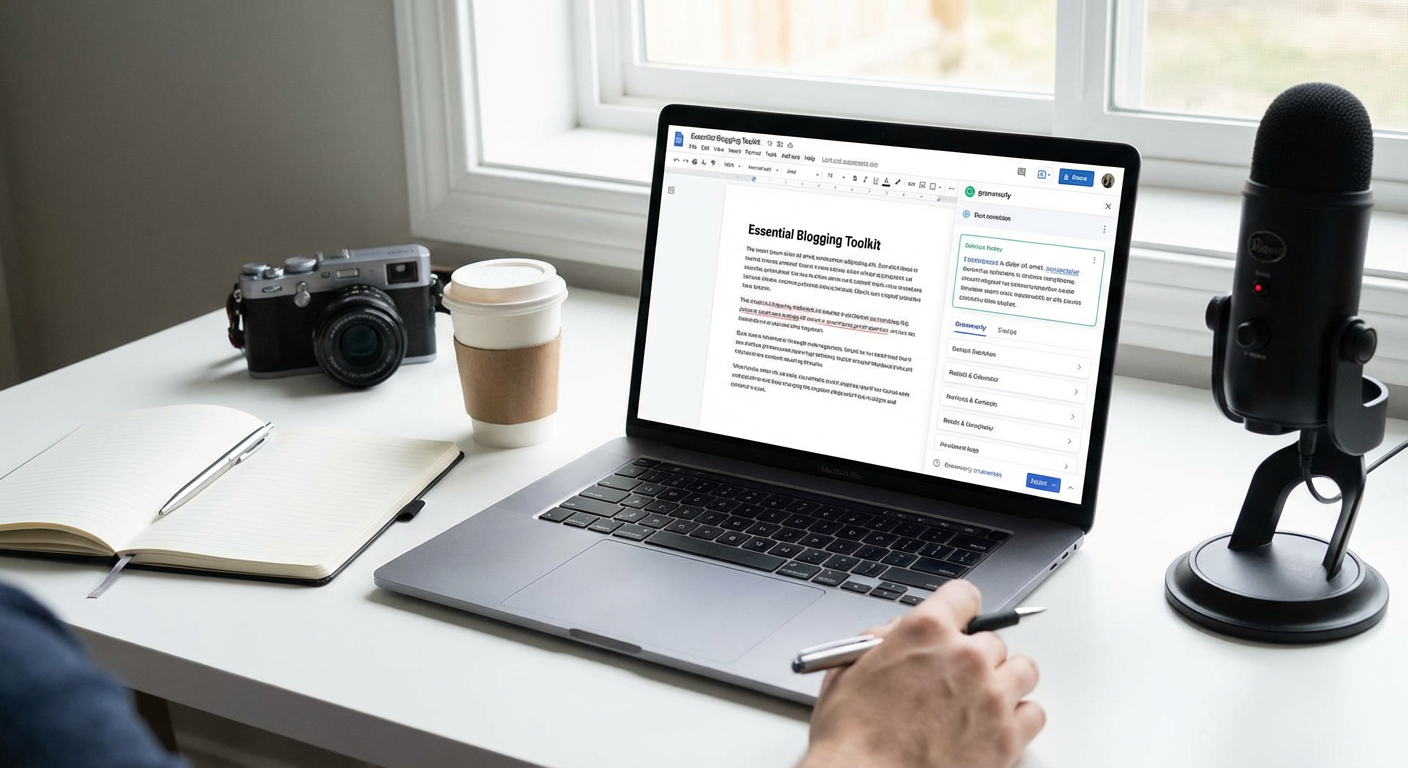
Even if you’re confident in your writing skills, a second pair of eyes never hurts. Grammarly catches typos, awkward phrasing, and grammar mistakes that slip past you when you’ve been staring at the same draft for hours. It works directly in your browser, so it checks your writing whether you’re composing an email, drafting a blog post in WordPress, or typing a social media caption.
The free version handles the basics well, but the premium version adds style suggestions and tone detection that can genuinely improve your writing. For content creators who publish multiple times per week, having this safety net means fewer embarrassing errors make it to your audience.
- Canva
Not everyone has the budget for a professional designer or the time to learn Photoshop. Canva gives you a simple drag-and-drop interface with thousands of templates for blog graphics, social media posts, thumbnails, infographics, and more. You can create professional-looking visuals in minutes instead of hours.
The free version is surprisingly generous, though the paid version unlocks more templates, stock photos, and the ability to save brand colors and fonts. Many successful bloggers create all their graphics exclusively in Canva, proving you don’t need fancy software to make content that looks polished and professional.
- Google Analytics
You can’t improve what you don’t measure. Google Analytics shows you which blog posts get the most traffic, where your readers come from, how long they stay on your site, and which pages they visit before leaving. This information is gold when you’re trying to figure out what content resonates with your audience.
The interface can feel intimidating at first, but you don’t need to understand every metric. Start by checking your most popular posts each week and looking at your traffic sources. Over time, these patterns will guide your content strategy in ways that guessing never could.
- Trello
Content creation involves managing dozens of moving pieces at once. Trello helps you organize everything visually using boards, lists, and cards. You can create an editorial calendar, track article ideas, manage your production pipeline, and collaborate with team members if you have them.
Many content creators set up boards for each stage of their process: ideas, research, drafting, editing, and published. You can drag cards from one list to another as work progresses, giving you a clear view of what needs attention. The free version works perfectly well for solo creators and small teams.
- Hemingway Editor
This simple web app highlights sentences that are hard to read, overuse of adverbs, passive voice, and other common writing problems. Unlike Grammarly, which focuses on correctness, Hemingway Editor pushes you toward clarity and simplicity. It’s particularly helpful if you tend to write long, complex sentences that lose readers.
You paste your text into the editor, and it color-codes issues by severity. The goal isn’t to eliminate every highlighted sentence but to make conscious choices about your writing. Many bloggers run their drafts through Hemingway before publishing to ensure their content is accessible to a wide audience.
- Ahrefs
If you care about organic traffic, Ahrefs is one of the most powerful SEO tools available. It shows you what keywords your competitors rank for, which of your pages need improvement, who’s linking to your content, and what topics are worth writing about based on search volume and difficulty.
The main drawback is the price, which is substantial for hobbyists. However, serious bloggers and content creators who rely on search traffic often consider it worth every penny. The keyword research alone can save you from wasting time on topics nobody searches for and point you toward opportunities your competitors have missed.
- LastPass
As a content creator, you probably manage accounts for social media platforms, email services, hosting providers, analytics tools, and more. Trying to remember dozens of passwords leads either to weak passwords or using the same one everywhere, both of which are security risks.
LastPass stores all your passwords securely and fills them in automatically when you need them. You only have to remember one master password. It also generates strong random passwords for new accounts, so you never have to think about password creation again. The peace of mind alone makes it worthwhile.
- ConvertKit
Building an email list gives you a direct connection to your audience that doesn’t depend on algorithm changes or platform policies. ConvertKit is designed specifically for creators, with features like customizable opt-in forms, automated email sequences, and subscriber tagging based on interests.
What sets ConvertKit apart from general email services is its focus on simplicity and creator-friendly features. You can easily segment your audience, send different content to different groups, and track which emails drive the most engagement. The interface is clean and doesn’t require a marketing degree to understand.
- Otter.ai
If you conduct interviews, record podcasts, or brainstorm ideas by talking them out, Otter.ai transcribes spoken words into text with impressive accuracy. This turns audio content into searchable, editable text that you can repurpose into blog posts, social media content, or reference materials.
The free tier gives you a generous amount of transcription time each month, which is plenty for casual use. The ability to search through transcripts for specific quotes or ideas saves enormous amounts of time compared to listening through hours of recordings to find that one perfect soundbite.
- Buffer
Promoting your content on social media is necessary but time-consuming. Buffer lets you schedule posts across multiple platforms from one dashboard, so you can batch your social media work instead of interrupting your day to post manually. You write your updates when it’s convenient, then Buffer publishes them at the times you specify.
The analytics show which posts perform best, helping you refine your social strategy over time. The free plan supports a handful of scheduled posts, which works fine if you’re just getting started. As your audience grows, the paid plans offer more scheduling slots and additional team features.
- Dropbox
Content creators accumulate files quickly: images, videos, documents, audio recordings, and more. Keeping everything organized and accessible across devices requires reliable cloud storage. Dropbox syncs files automatically across your computer, phone, and tablet, so your work is always available when you need it.
The file recovery feature has saved countless creators from disaster when they accidentally delete something important. Shared folders make collaboration simple if you work with editors, designers, or other team members. While several cloud storage options exist, Dropbox remains popular among creators for its reliability and ease of use.
- Yoast SEO
If you run a WordPress site, Yoast SEO is the plugin that helps optimize your content for search engines without requiring technical expertise. It analyzes each post and gives you specific suggestions: add your keyword to the title, make your introduction clearer, include more internal links, and so on.
The traffic light system (red, orange, green) makes it easy to see at a glance whether your post is optimized. While you shouldn’t follow every suggestion blindly, Yoast helps you remember important SEO basics that are easy to forget when you’re focused on writing. The free version handles the essentials, though the premium version adds features like internal linking suggestions and multiple keyword optimization.
The tools on this list address different parts of the content creation process, from writing and design to promotion and analytics. You don’t need all twelve right away. Start with the ones that solve your biggest current problems, then add others as your needs grow. Most offer free versions or trials, so you can test them without financial risk. The right combination of tools will depend on your specific workflow and goals, but having reliable resources in place lets you focus more energy on creating great content and less on fighting with technical obstacles. Pick one or two from this list, give them a real try, and watch how much easier your content creation becomes.