
10 Practical Ways to Master Calendar and Time Management Tools for Your Freelance Business
Managing your time well can make or break your freelance career. Between juggling multiple clients, tracking deadlines, and maintaining some semblance of work-life balance, you need more than good intentions. You need the right tools and the know-how to use them effectively. This list walks you through ten practical, hands-on approaches to calendar and time management tools that will help you work smarter, not harder. Each item includes actionable tips you can implement today to take control of your schedule and boost your productivity.
- Start with Legiit to Centralize Client Work and Deadlines
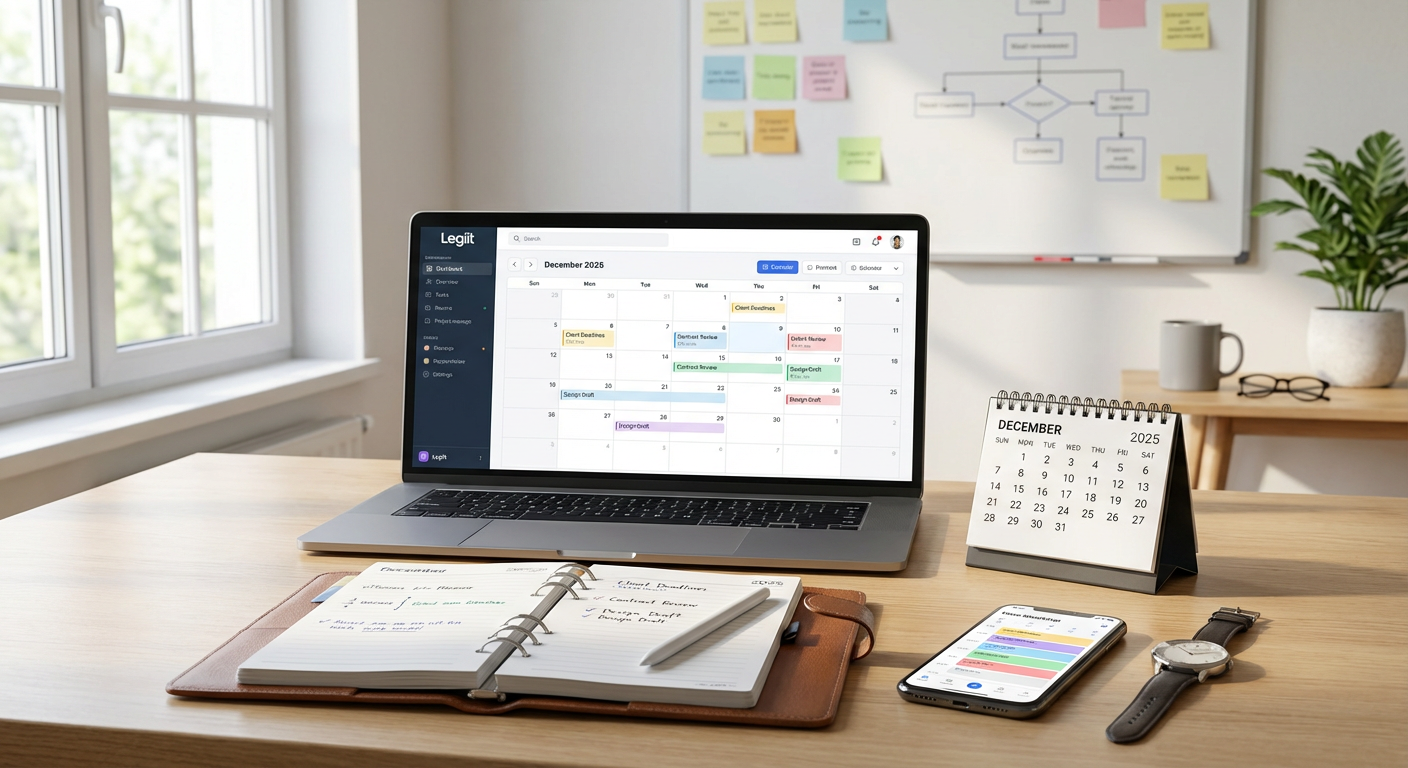
Legiit offers freelancers a platform where you can manage client projects, track deliverables, and keep all your deadlines in one place. Instead of scattering your commitments across email threads and random notes, use Legiit to create a single source of truth for your active projects.
Set up each new project with clear milestones and due dates right when you accept the work. This keeps you accountable and gives clients visibility into your progress. Check your Legiit dashboard each morning as part of your routine, and you will always know what needs your attention first. By centralizing your workflow, you reduce the mental load of tracking everything manually and free up brain space for the actual work.
- Block Time in Google Calendar for Deep Work Sessions
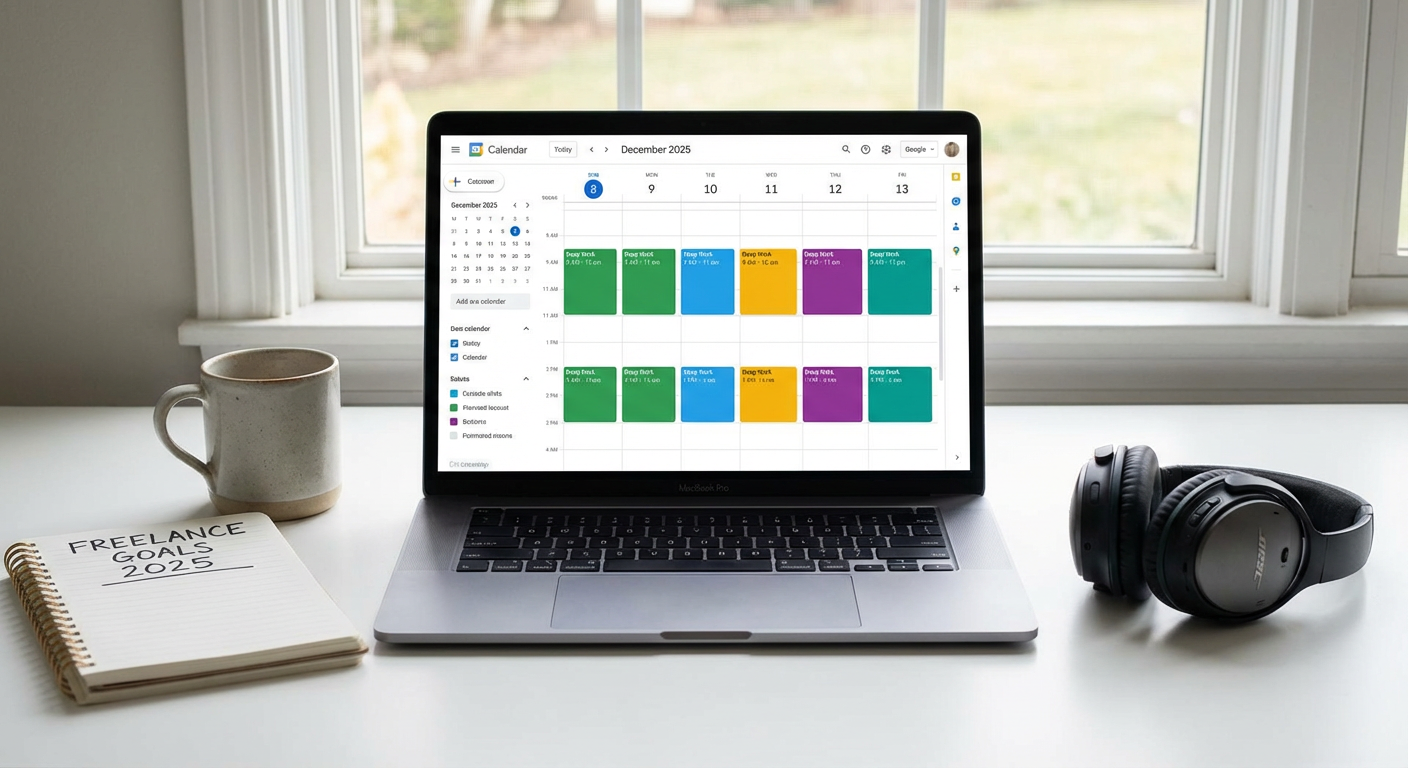
Google Calendar is free, reliable, and syncs across all your devices. The real power comes from how you use it. Instead of just marking appointments, block out two to three hour chunks specifically for focused work on your most important tasks.
Label these blocks clearly, like ‘Writing Project A’ or ‘Design Work for Client B.’ Treat them like unmissable meetings with yourself. Turn off notifications during these periods and let clients know you have set working hours. This simple habit transforms your calendar from a passive record into an active productivity tool. Over time, you will notice how much more you accomplish when you protect your deep work time.
- Use Todoist to Break Projects into Daily Action Steps
Big freelance projects can feel overwhelming, but Todoist helps you break them down into manageable daily tasks. Create a project for each client, then add every small action needed to complete the work.
Set realistic due dates for each task, and use priority flags to mark what absolutely must get done today. Review your task list every evening and plan the next day before you shut down your computer. This five-minute habit keeps you from waking up unsure of where to start. Todoist also lets you set recurring tasks for regular client work, so you never forget weekly reports or monthly check-ins.
- Set Up Toggl Track to Identify Time Drains
You cannot improve what you do not measure. Toggl Track is a time tracking tool that shows you exactly where your hours go each day. Install the browser extension and desktop app, then track every work session for at least two weeks.
The data will surprise you. You might think you spend three hours on client work, but Toggl will show you actually spent 90 minutes working and the rest switching between tabs and checking email. Use these insights to adjust your schedule and eliminate time wasters. Once you know your patterns, you can build a more realistic calendar that accounts for breaks and context switching.
- Create Client-Specific Calendars to Avoid Schedule Conflicts
If you work with multiple clients, create a separate calendar for each one within your calendar app. Color-code them so you can see at a glance which client needs what and when.
This approach prevents double-booking and helps you maintain clear boundaries. For example, if Client A always needs revisions on Mondays, block that time in their calendar. If Client B prefers Friday updates, mark it in theirs. You can toggle calendars on and off to reduce visual clutter while planning your week. This method also makes it easier to review how much time each client actually takes, which helps when you need to adjust your rates or capacity.
- Implement the Two-Minute Rule with Any Task Manager
This practical rule works with any tool you use. If a task takes less than two minutes, do it immediately instead of adding it to your list. Reply to that quick email, send that invoice, or update that spreadsheet right now.
The two-minute rule keeps small tasks from piling up and cluttering your calendar or task manager. It also builds momentum. When you knock out several quick wins in a row, you feel more motivated to tackle bigger projects. Just be careful not to let two-minute tasks interrupt your deep work blocks. Use this rule during transition times or at the start and end of your workday.
- Schedule Buffer Time Between Tasks and Meetings
Back-to-back commitments drain your energy and leave no room for the unexpected. Add 15 to 30 minute buffers between tasks, calls, and project blocks in your calendar.
Use this buffer time to grab water, stretch, review what you just completed, or prepare for what comes next. These breaks also absorb the inevitable overruns when a call goes long or a task takes more time than expected. Without buffers, one delay cascades through your entire day and leaves you working late to catch up. With buffers, you stay on track and maintain your sanity. This small adjustment makes a massive difference in how sustainable your schedule feels.
- Adopt the Sunday Planning Ritual with Paper or Digital Tools
Spend 30 minutes every Sunday reviewing the week ahead. Open your calendar, look at your task manager, and map out your priorities for each day.
Identify your three most important outcomes for the week and schedule them first. Then fill in client work, meetings, and administrative tasks around those priorities. This ritual gives you clarity and control before Monday morning chaos hits. You can use a paper planner, a digital tool like Notion, or a simple spreadsheet. The format matters less than the consistency. When you plan weekly, you stop reacting to whatever feels urgent and start making intentional choices about your time.
- Use Calendar Holds for Personal Time and Boundaries
Your calendar should not only hold work commitments. Block time for lunch, exercise, family dinners, and anything else that matters to you personally.
Mark these blocks as busy so clients cannot book over them when they request meetings. Freelancing offers flexibility, but only if you protect it. Without these boundaries, work expands to fill every available hour and you burn out fast. Treat your personal time with the same respect you give client deadlines. When someone asks if you are free during your gym time, the answer is no. Your calendar already shows you have a commitment, and you do not need to explain further.
- Review and Adjust Your System Monthly
No time management system works perfectly forever. Set a monthly reminder to review what is working and what is not.
Ask yourself: Am I consistently hitting deadlines? Do I feel rushed or relaxed most days? Are there tasks I keep postponing? Use these answers to tweak your approach. Maybe you need longer deep work blocks, or perhaps your buffer time is too generous. Small adjustments compound over time. The goal is not to find the perfect system but to build one that evolves with your business. Keep what helps, drop what does not, and stay flexible as your client load and personal life change.
Calendar and time management tools only work when you use them with intention and consistency. The ten practical approaches in this list give you concrete steps to implement right now, not vague advice to think about later. Start with one or two strategies that resonate most with your current challenges, test them for a few weeks, and then add more as you build confidence. Your freelance business depends on your ability to manage time well, and these tools and techniques put you back in control. With the right systems in place, you will meet deadlines without stress, satisfy clients without sacrificing your personal life, and build a sustainable business that actually works for you.