10 Budget-Friendly Tools You Must Have in Your Freelancing Business
Running a freelancing business doesn’t mean you need to drain your bank account on expensive software subscriptions. Whether you’re just starting out or looking to trim expenses without sacrificing quality, the right affordable tools can help you compete with established agencies while keeping costs under control. This list focuses on practical, cost-effective solutions that deliver real value without the premium price tag. You’ll find options that range from completely free to reasonably priced, all chosen to help you work smarter and keep more of what you earn.
- Legiit for Finding and Managing Client Work
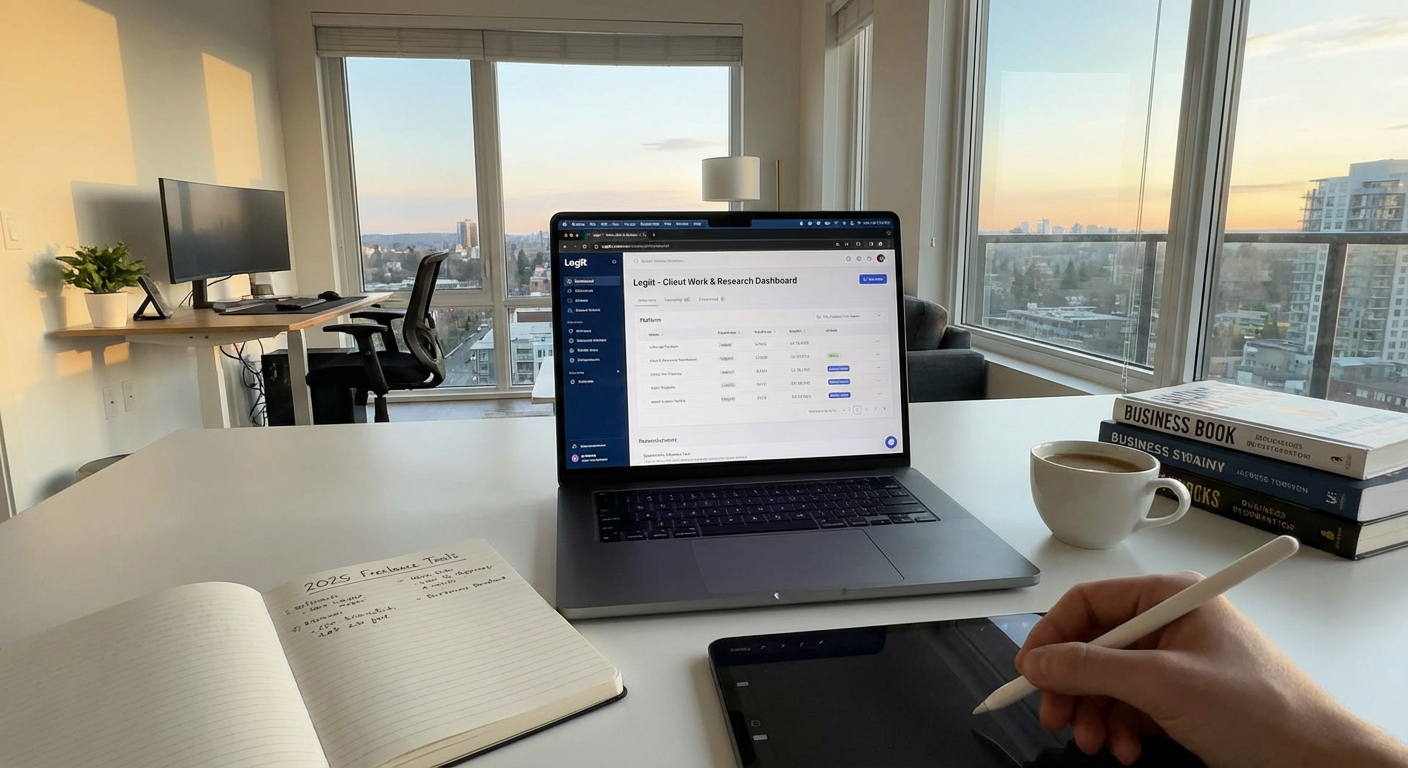
Legiit stands out as a budget-conscious freelancer’s platform because it doesn’t charge monthly subscription fees just to access clients. Unlike many competitor platforms that take a chunk of your earnings plus membership costs, Legiit lets you create your seller profile and list your services without upfront costs. You only pay when you actually make a sale, which makes it perfect for freelancers who want to test the waters or who have irregular income months.
The platform connects you directly with clients looking for services in writing, design, marketing, development, and dozens of other categories. You set your own prices and keep more of what you earn compared to other marketplaces. For freelancers watching their bottom line, this pay-as-you-go model means you’re not committed to monthly fees that eat into profits during slower periods.
- Wave for Free Accounting and Invoicing
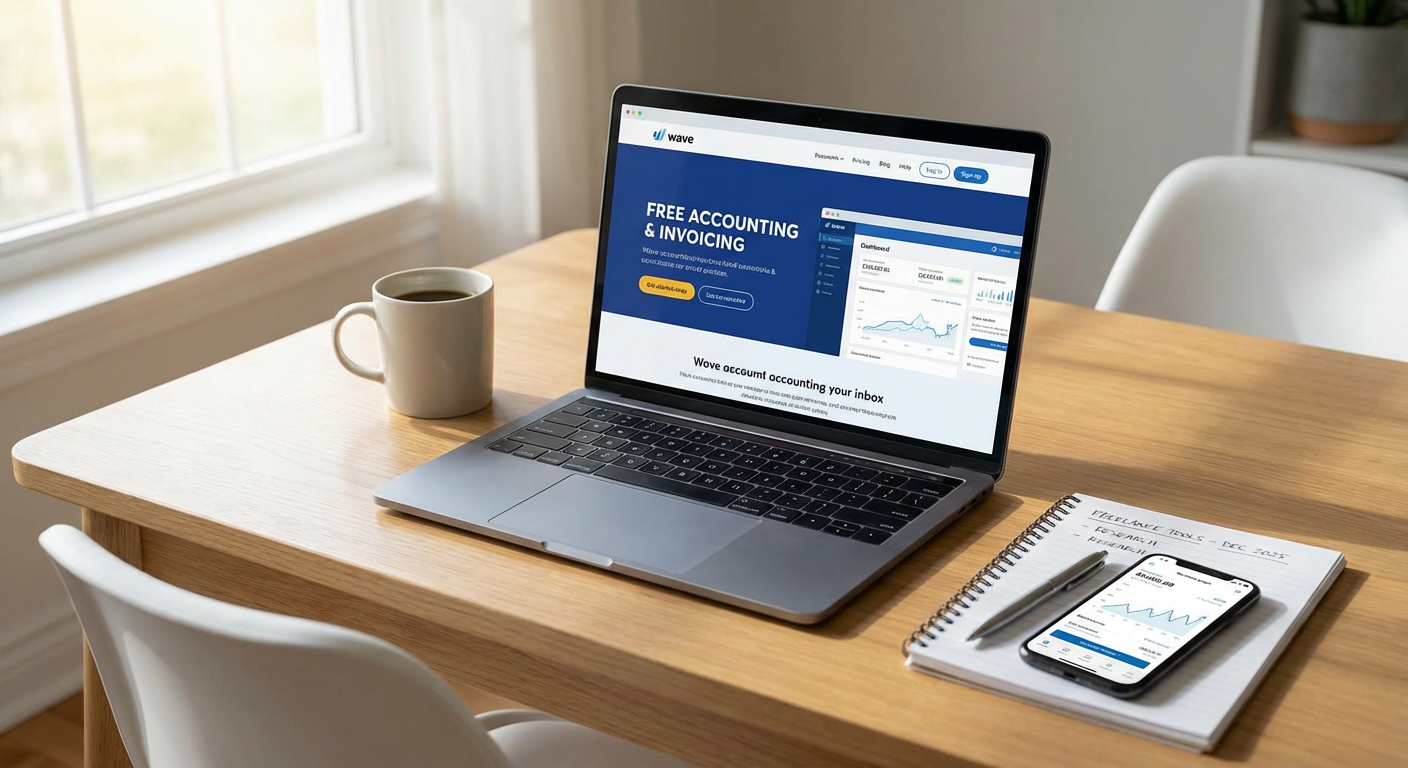
Wave offers completely free accounting software designed specifically for small businesses and freelancers. You can create professional invoices, track expenses, manage receipts, and generate financial reports without paying a single dollar. The interface is clean and simple enough that you don’t need an accounting degree to understand your cash flow.
Wave makes money by offering optional paid services like payment processing and payroll, but the core accounting features remain free forever. This makes it an ideal choice when you’re building your freelancing business and every dollar counts. You’ll look professional to clients with branded invoices while maintaining organized financial records for tax time.
- Notion for Project Management and Organization
Notion’s free personal plan gives solo freelancers access to an incredibly powerful workspace for organizing projects, tracking tasks, and managing client information. You can create databases, wikis, calendars, and kanban boards all in one place, replacing what might otherwise require three or four different paid subscriptions.
The learning curve exists, but the payoff is worth it. Many freelancers use Notion to build custom client portals, content calendars, and project trackers that would cost hundreds of dollars if purchased as separate tools. Templates created by the community are often free to duplicate and customize, giving you professional systems without the professional price tag. The free version includes unlimited pages and blocks, which is more than enough for most freelancers.
- Canva Free for Quick Design Work
Canva’s free tier provides access to thousands of templates, photos, and design elements that let you create social media graphics, presentations, simple logos, and marketing materials without hiring a designer or buying expensive software. For freelancers who need to produce visual content quickly but don’t have a design budget, this tool is a lifesaver.
You can create professional-looking proposals, design your service packages, build Instagram posts for your business, and even make simple video content. While the paid version offers more features and assets, the free version is genuinely useful and not just a teaser. Many successful freelancers run their entire visual branding on Canva’s free plan.
- Google Workspace Free Tools for Collaboration
Google Docs, Sheets, Slides, and Drive give you a complete office suite at zero cost. You get 15GB of free storage, real-time collaboration features, and automatic cloud saving that protects your work from computer crashes. These tools integrate smoothly with each other and work on any device with an internet connection.
For freelancers, this means you can share documents with clients, collaborate on projects in real time, and maintain organized file systems without paying for Microsoft Office or other premium alternatives. The commenting and suggestion features make client revisions painless, and the version history has saved countless freelancers when they need to recover earlier drafts. Everything syncs automatically across your phone, tablet, and computer.
- Calendly Free Plan for Scheduling Calls
Calendly’s free version eliminates the back-and-forth emails that waste time when scheduling client calls and discovery meetings. You can set your availability, share your personalized link, and let clients book time slots that work for both of you. The system automatically adjusts for time zones and sends confirmation emails.
While the free plan limits you to one event type and one calendar connection, that’s often sufficient for freelancers who primarily need a simple way to book consultation calls. The time saved from avoiding scheduling conflicts and email tennis quickly adds up. Integration with Google Calendar, Outlook, and other calendar systems means you won’t accidentally double-book yourself.
- Grammarly Free for Writing Polish
Even if you’re not a writer by trade, your emails, proposals, and client communications need to be clear and error-free. Grammarly’s free browser extension catches spelling mistakes, grammar errors, and awkward phrasing in real time across nearly every website and application you use.
The free version handles the essential corrections that matter most for professional communication. It works in your email, Google Docs, social media posts, and even in client messaging platforms. While the premium version offers style suggestions and tone detection, the free tier covers the basics that prevent embarrassing typos from reaching clients. Installing it takes two minutes and can save you from mistakes that damage your professional reputation.
- Trello Free for Visual Task Tracking
Trello’s free plan offers unlimited personal boards with up to 10 boards per workspace, which is plenty for most solo freelancers managing multiple client projects. The visual card system makes it easy to see what needs doing, what’s in progress, and what’s completed at a glance.
You can create separate boards for different clients, use lists to represent project stages, and add cards for individual tasks. Attach files, set due dates, create checklists, and add labels to organize your work visually. The drag-and-drop interface requires no training, and you can access your boards from any device. Many freelancers use Trello to manage their entire workload without ever needing to upgrade to a paid plan.
- Loom Free Plan for Quick Video Messages
Loom’s free tier lets you record up to 25 videos of up to 5 minutes each per person, which is enough for most freelancers who want to add a personal touch to their client communication. You can record your screen, your camera, or both simultaneously, making it perfect for explaining revisions, walking through deliverables, or providing quick tutorials.
Video messages often communicate information faster and more clearly than long email explanations. Clients appreciate seeing your face and hearing your voice, which builds stronger relationships. The recordings are instantly shareable via link, and recipients don’t need to download anything to watch. This small addition to your communication toolkit can set you apart from competitors who rely solely on text.
- Toggl Track Free for Time Tracking
Understanding where your time goes is critical for pricing your services correctly and improving your productivity. Toggl Track’s free plan lets you track unlimited time entries, create projects and clients, and generate basic reports that show exactly how you’re spending your working hours.
The one-click timer makes it easy to track tasks as you work, and the browser extension integrates with popular project management tools. You can identify which clients or project types consume the most time, helping you make informed decisions about which services are actually profitable. The free version supports up to five users, so if you occasionally collaborate with others, you can coordinate without upgrading. The insights you gain often lead to better time estimates and more accurate project quotes.
Building a successful freelancing business doesn’t require a massive software budget. These ten tools prove that you can maintain professionalism, stay organized, and deliver quality work while keeping your overhead costs low. Most offer free plans that provide genuine value, not just limited trials designed to push you toward paid versions. Start with the free options that fit your immediate needs, and only consider upgrading when you’ve grown enough that the investment makes financial sense. The money you save on tools is money you can invest back into growing your business, building your skills, or simply keeping as profit. Smart freelancers know that expensive doesn’t always mean better, and the right affordable tools often outperform bloated enterprise solutions for solo professionals.